

GFI Archiver
Archive your emails, calendar, files, faxes with tamper-proof security
*Price per mailbox. Quantity must be 25 or greater.
Get a Quote!
*Price per mailbox. Quantity must be 100 or greater.
Get a Quote!
Click here to jump to more pricing!
Overview:
Save email server space and enable easy file retrieval for compliance
Companies and organizations must secure, store and retrieve electronic communications for legal and compliance regulations. GFI Archiver makes this business requirement easy-to-manage and easy-to-use. Take control of your email and other digital communications storage with GFI Archiver.
Secure archiving for compliance and management
-
Manage and access your organization's electronic communications history. This includes emails, attachments, files, calendar entries, faxes, and SMS (text), and voice messages that are connected and logged via email.
-
Minimize legal risk. Archive emails and files in their original state in a central, tamper-proof store. This archive helps with compliance, e-discovery and internal investigations while not relying on vulnerable online storage.
-
Validate that stored emails, files, and more are genuine with message-auditing functionality.
Easily access and search your electronic history
-
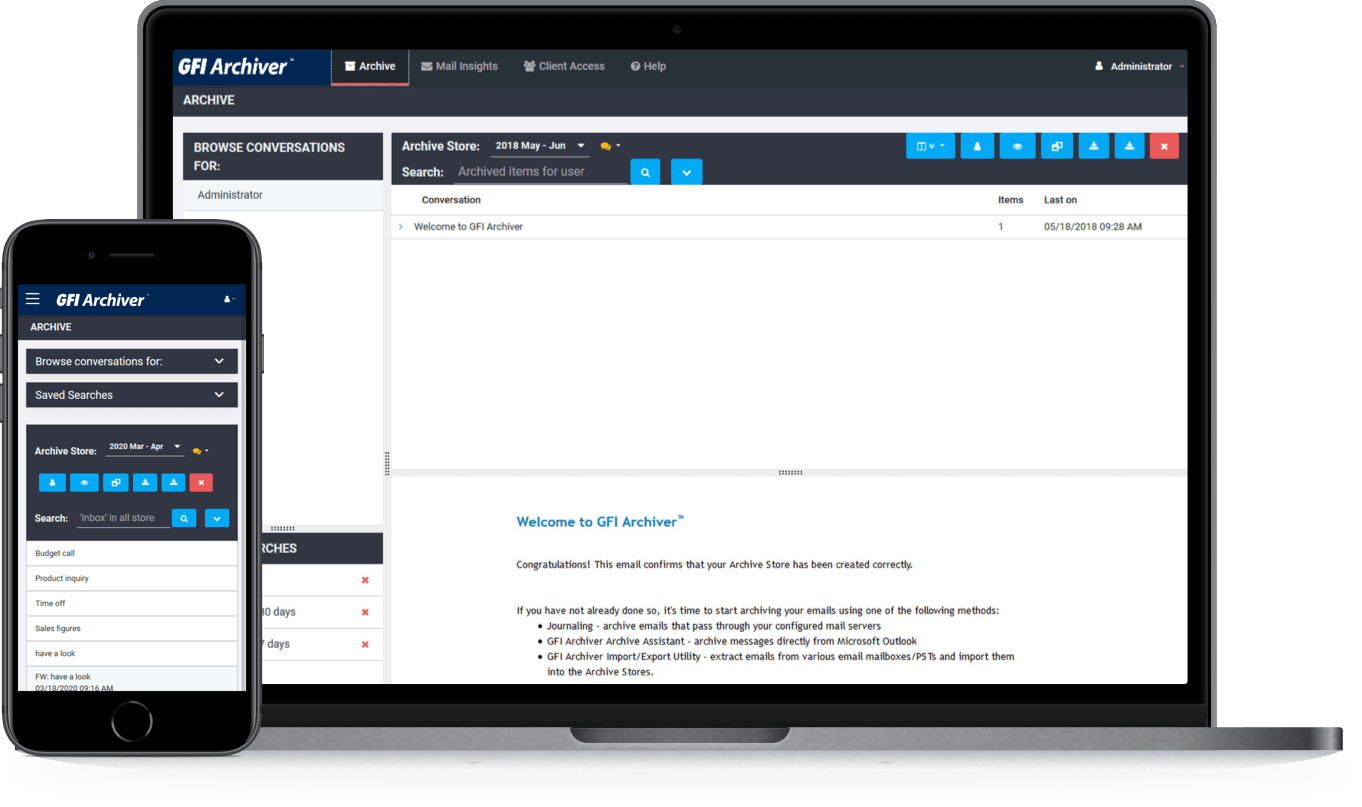
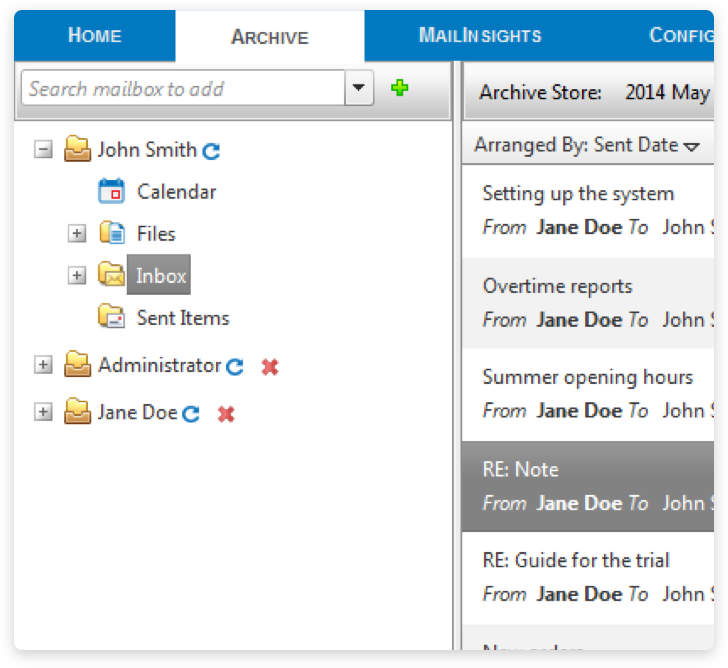
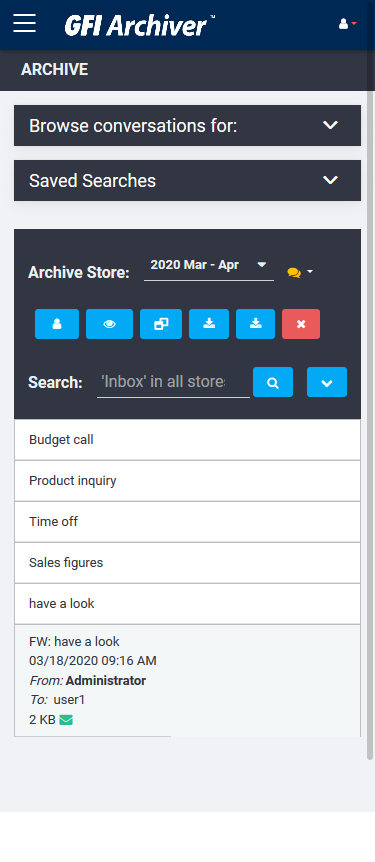
The email history and old file versions of people in your organizations are always available for quick retrieval via the GFI Archiver interface, either desktop or mobile.
-
Messages, attachments and files are automatically indexed before they are archived, enabling you to search and retrieve faster.
Improve email performance and save money
-
Archive electronic communications separate from the applications to save active server space and improve application performance.
-
GFI Archiver uses single-instance storage (SIS) to store a single copy of a multi-recipient email and its attachments, rather than multiple copies of the same email.
-
Gain even more storage savings as Archiver compresses (and decompresses) email attachments in real time to make better use of your storage resources.
Features:
Manage more than email
Securely archive emails, files and folders, calendar entries, faxes, SMS and voice messages in one central store. All business communications are stored in their original format, and can be quickly and easily searched and retrieved at any time.
Save on Storage
Automatically archive email into a central store to increase e!ciency, improve server performance or reduce reliance on unreliable PST files.
Manage your archive stores automatically, define the roll-over period of each archive store and how often you wish to roll over to a new archive store. GFI Archiver also scales according to your needs. You can use SQL Express plus NTFS if you are a mid-sized organization with a relatively low email volume, a"ording you further savings on SQL Server licensing costs. Larger organizations with a high volume of emails can opt to store their email archive in SQL.
Single-instance storage (SIS) stores a single copy of a multi-recipient email and its attachments, rather than multiple copies of the same email. In addition, you get even more storage savings as it compresses (and decompresses) email attachments in real time, which makes better use of your storage resources.
Compliance and eDiscovery
Companies can set up archiving rules and retention policies to categorize emails, and ensure they are stored for the required period of time. The solution also includes audit-trail functionality that monitors database and user activity, enabling companies to prove that archived emails have not been altered.
Advanced search features
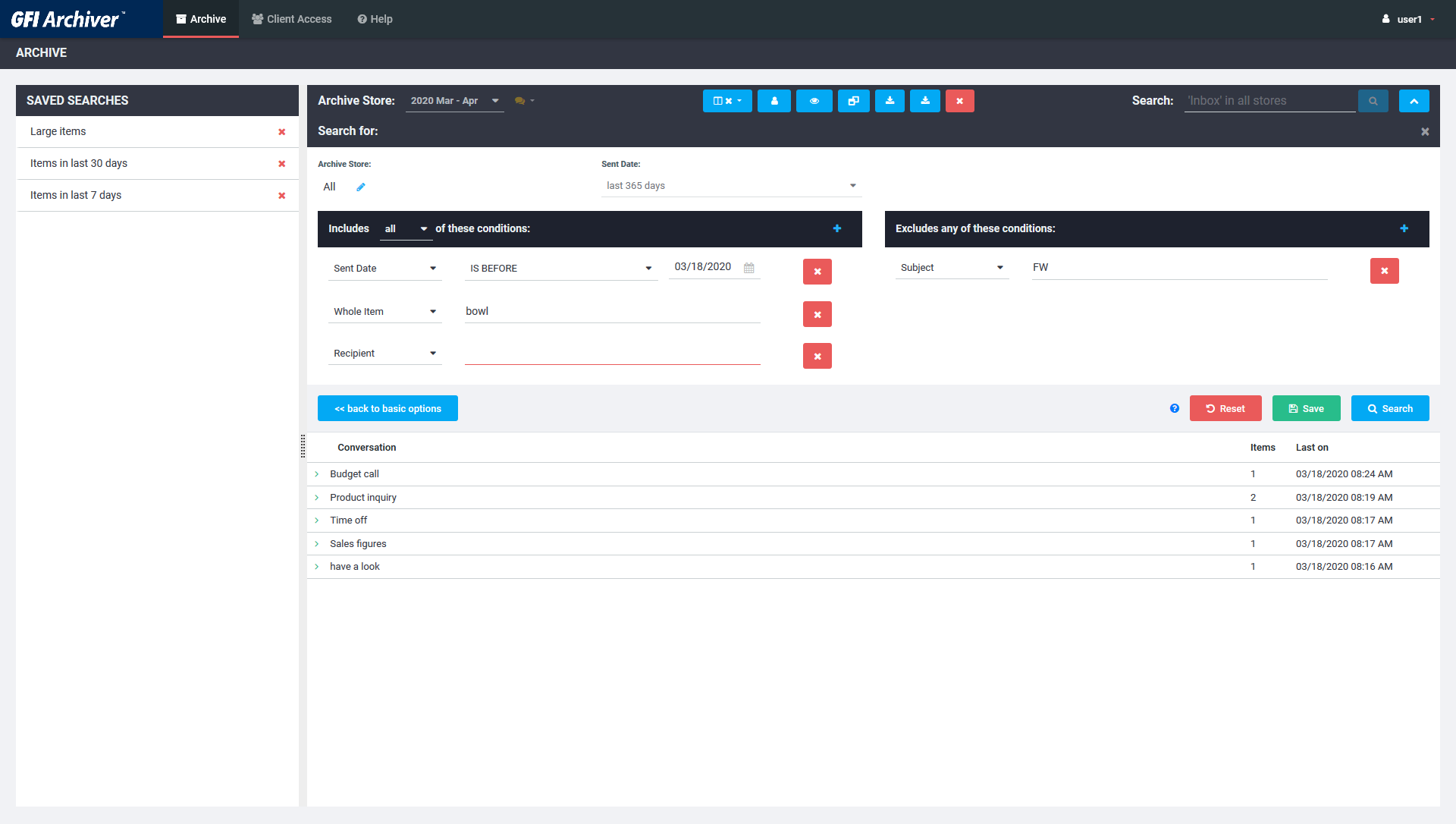
GFI Archiver automatically indexes every message, attachment, and file before it is saved. This means users can easily find and retrieve lost or deleted emails and faxes again. Users can build complex search rules based on date, sender, recipient and keywords.
Archiving options
Administrators can define archiving rules based on sender, recipient, keywords or a combination of the three criteria. This feature provides flexibility to the administrator who wants automatic archiving but also wants to control which emails get archived. Administrators also have the option to delete archived emails, if required.
Office 365, Google Apps, Exchange and others
Whether you are running Office 365, Google Apps for business or Microsoft Exchange Server 2010 up to the most recent, GFI Archiver works alongside, providing businesses with additional archiving benefits, including improved email search, enhanced compliance and valuable business intelligence reports.
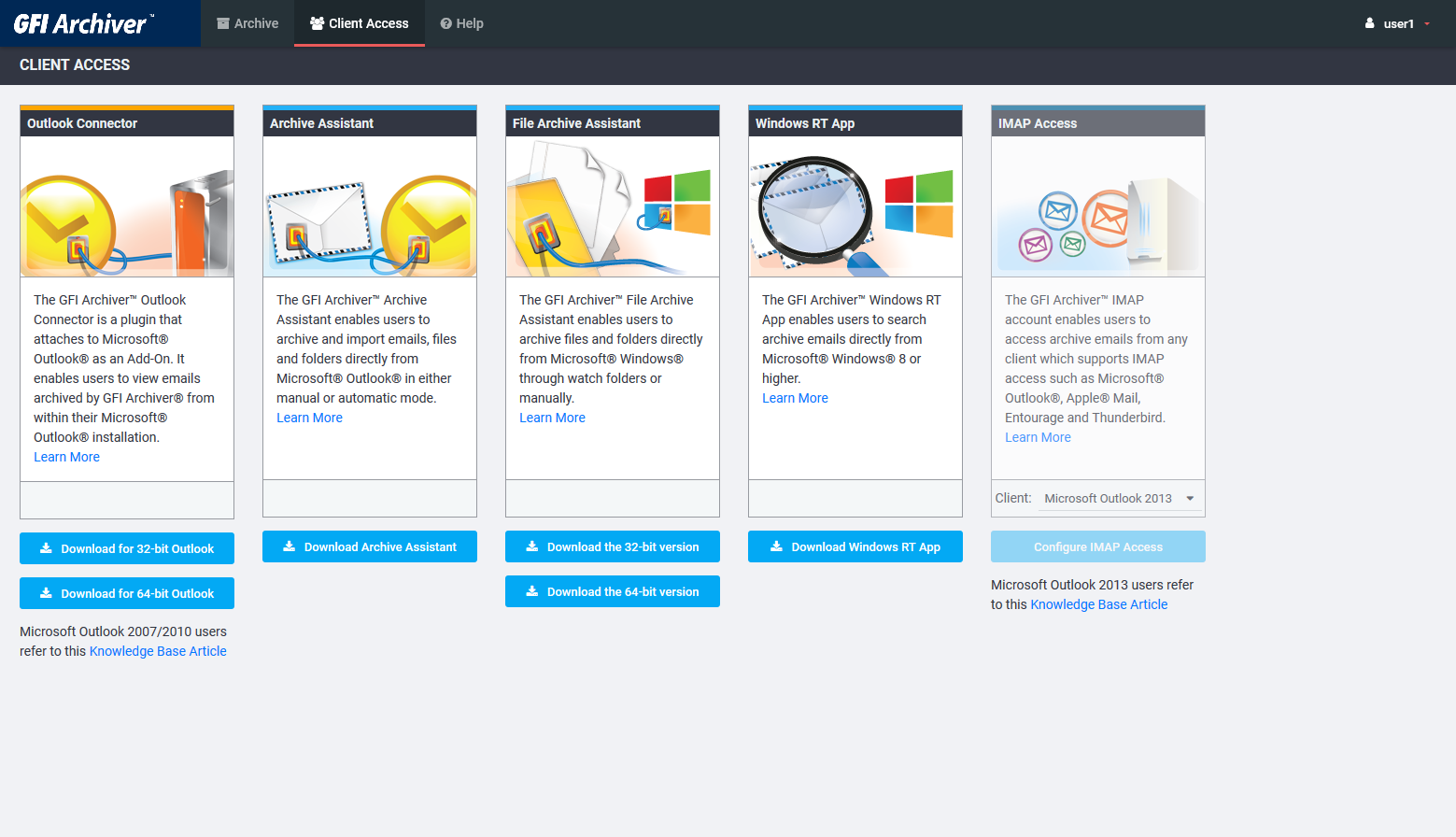
GFI Archiver also supports other email servers such as Kerio Connect, or servers that support a journaling feature. If this is not possible, and Outlook is used in the organization, then companies can still use the File Archiving Assistant to archive directly from Outlook.
Enable file collaboration
The File Archiving Assistant enables global employees and teams to work on shared documents without relying on third-party online file storage. All your important company data is stored in one secure, compliant and searchable archive. The FAA component archives every change that your users save on files, and creates a file history that is accessible via the GFI Archiver interface. Users can retrieve files in their older state or also resolve conflicts in case a file is changed by two or more users simultaneously.
Calendar archiving
GFI Archiver enables you to archive calendar items that contain important meeting information. Historical calendar items are visible from a calendar view in the GFI Archiver user interface.
Administrator tools
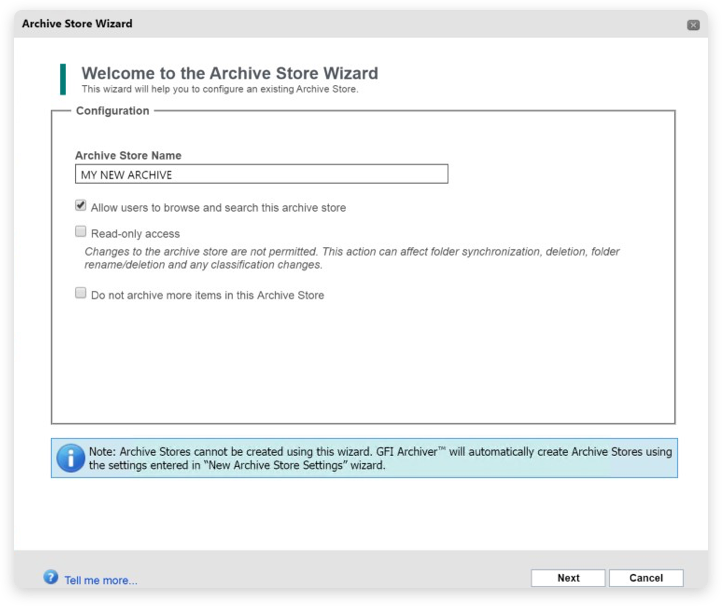
GFI Archiver features a streamlined installation process that can automatically configure Exchange journaling and folder synchronization. The solution also features a post-install wizard that enables administrators to correctly configure their archive settings.
Organizations that use or plan to use virtualization on their network can install and use a range of GFI products with confidence. GFI Archiver supports and runs on the most common virtualization technologies in use, namely VMware, Microsoft Virtual Server and Hyper-V.
GFI FaxMaker integration
Easily identify, search and retrieve faxes from the archive when sent by GFI FaxMaker. For companies that need to archive their critical document workflow, GFI FaxMaker as well as GFI Archiver, managing, searching and retrieving the different types of email-enabled messages is especially easy.
GFI Archiver automatically flags email-enabled faxes sent by GFI FaxMaker and allows for them to be easily distinguished in the archive. Users are then able to create their own customized searches specifically for faxes.
Customers who purchase GFI Archiver and GFI FaxMaker together through GFI Unlimited can extend the benefits of email archiving to faxes and SMS messages, and capitalize on new ways to increase workforce efficiency. By archiving and managing emails, fax and SMS messages together in a central location, you can eliminate time wasted searching for old messages, and be sure your electronic communications history is complete, secure and easily accessible.
Screenshots:
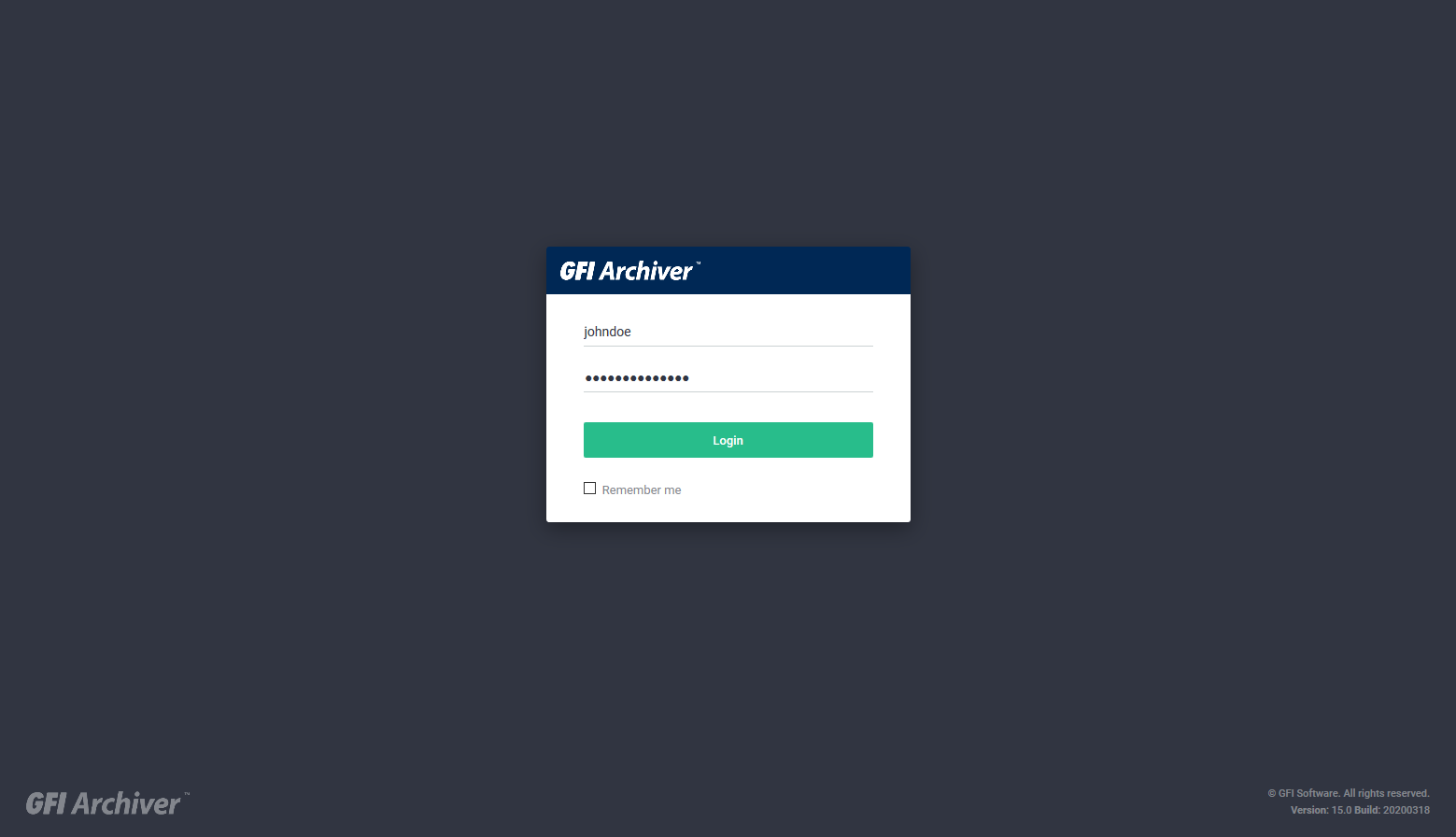
Login
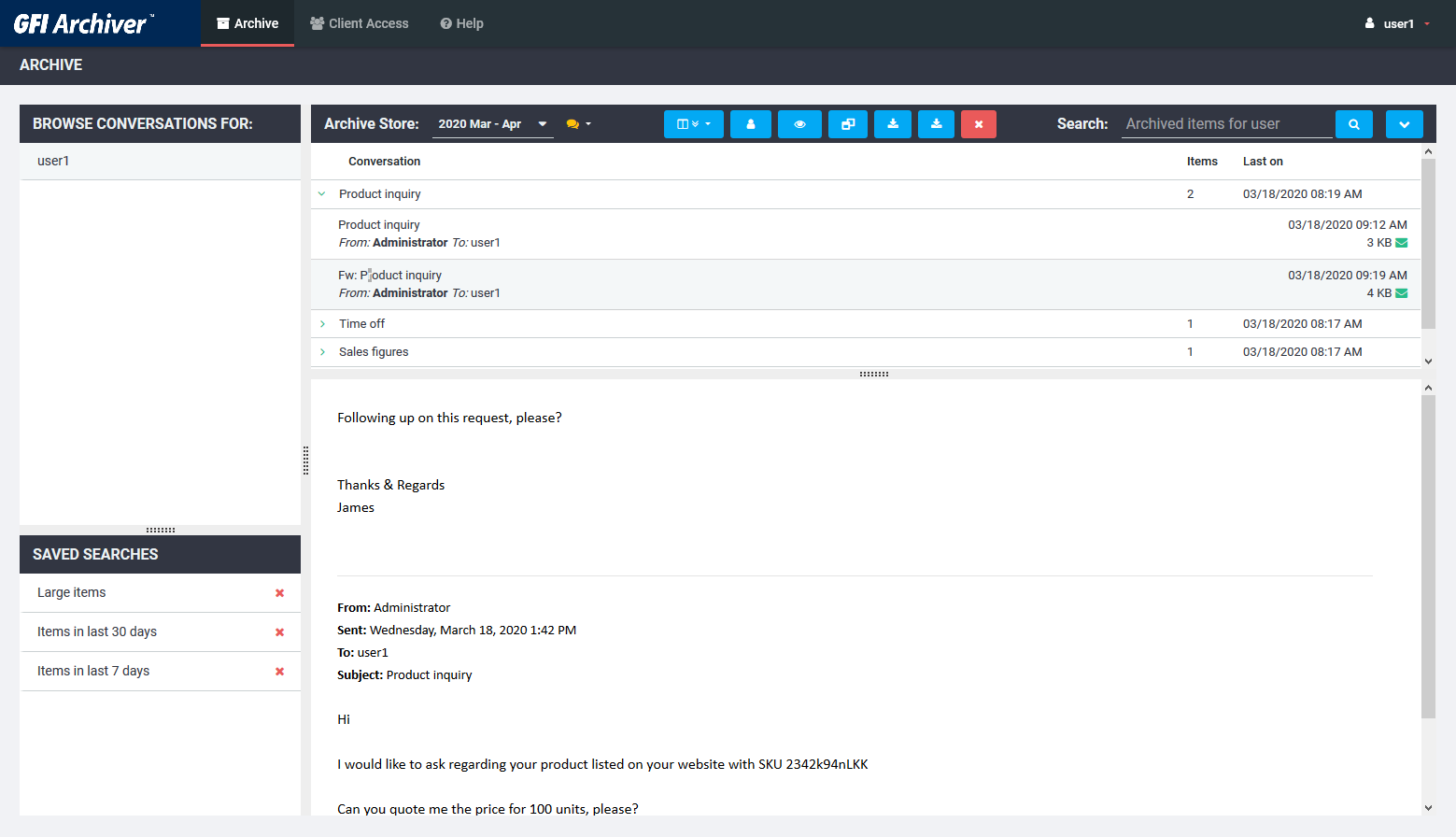
Archive view
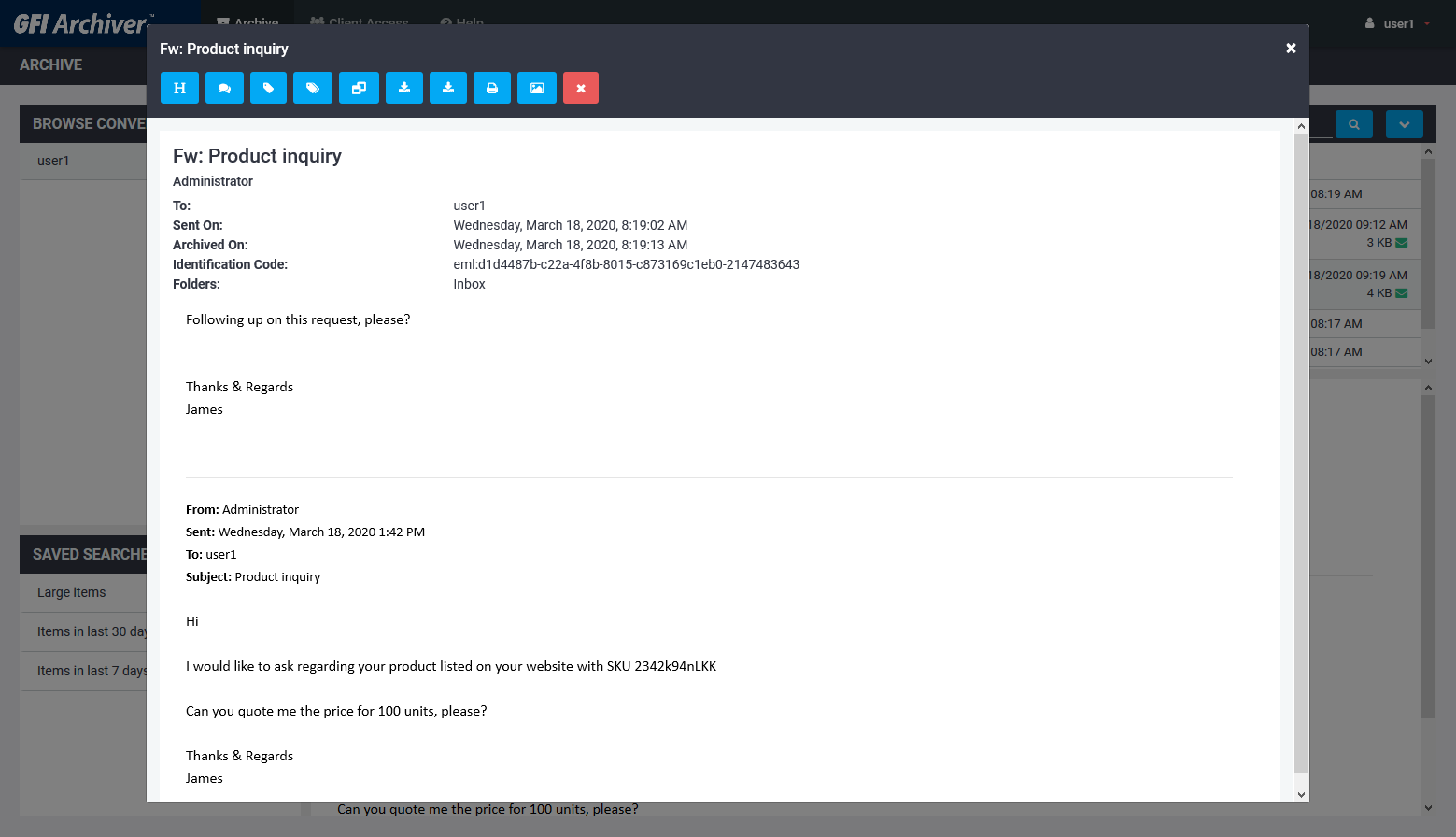
Email view
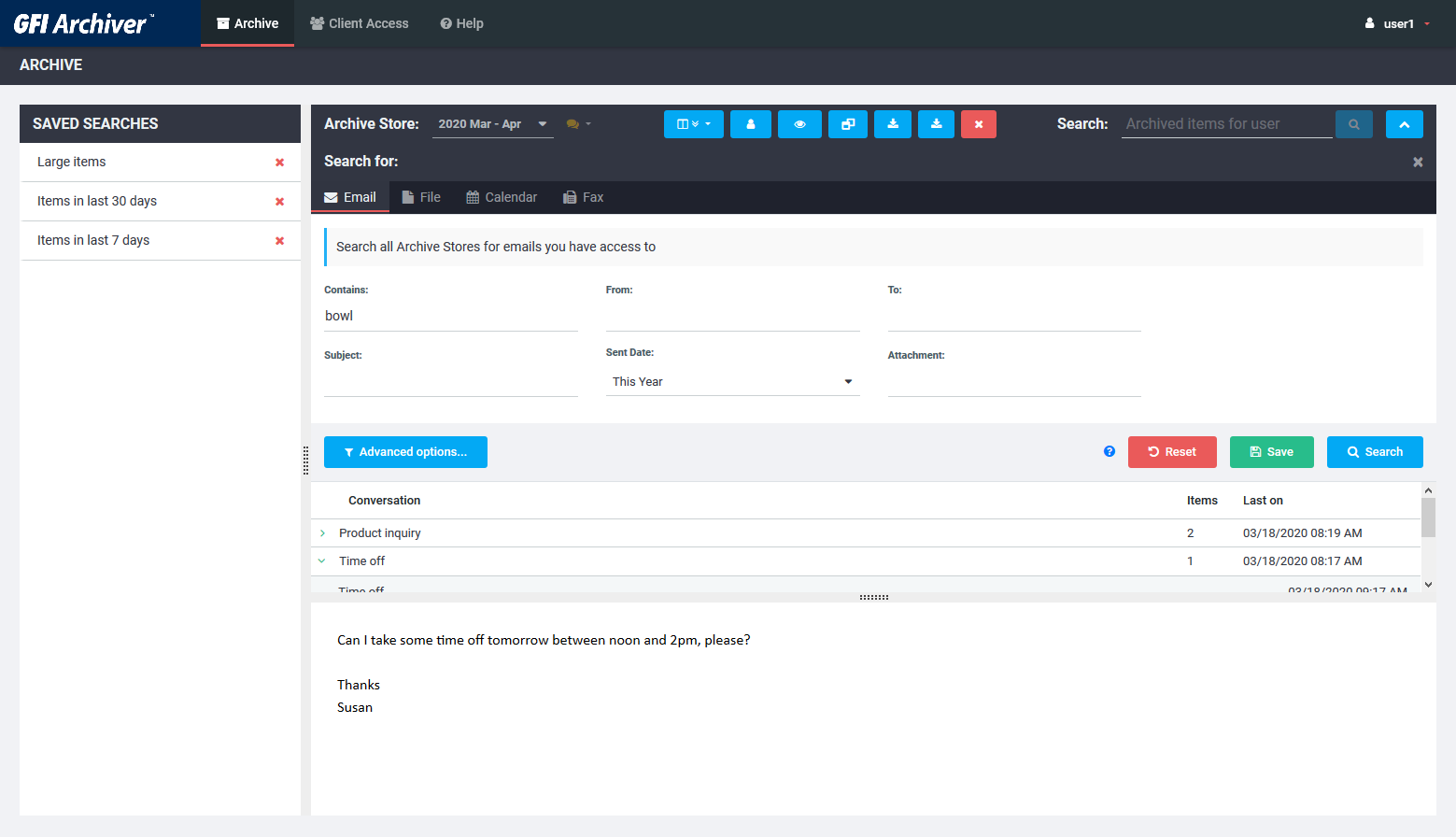
Simple search for email files fax
Advanced search
Mobile login
Mobile search
Client tools
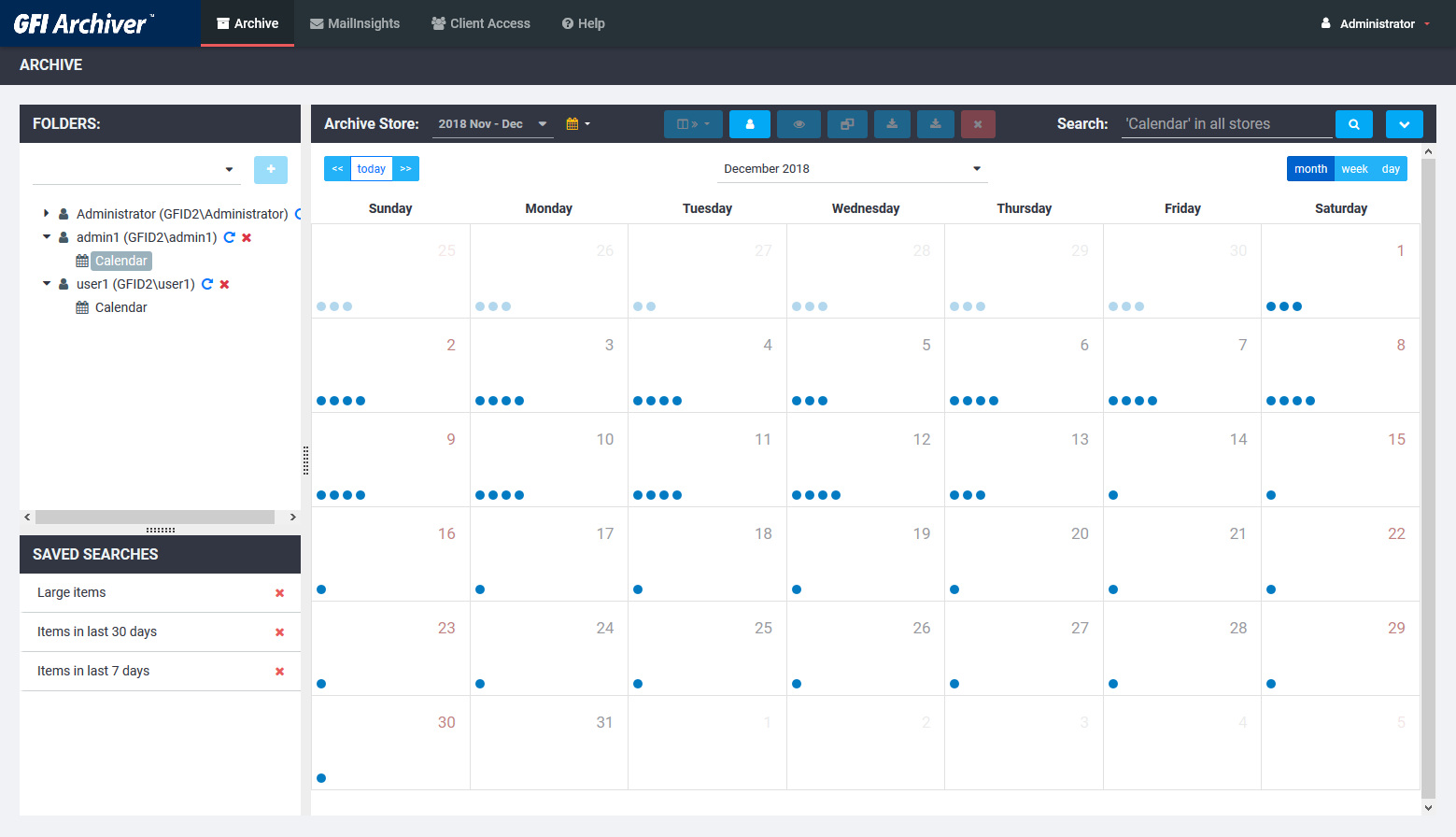
Calendar view
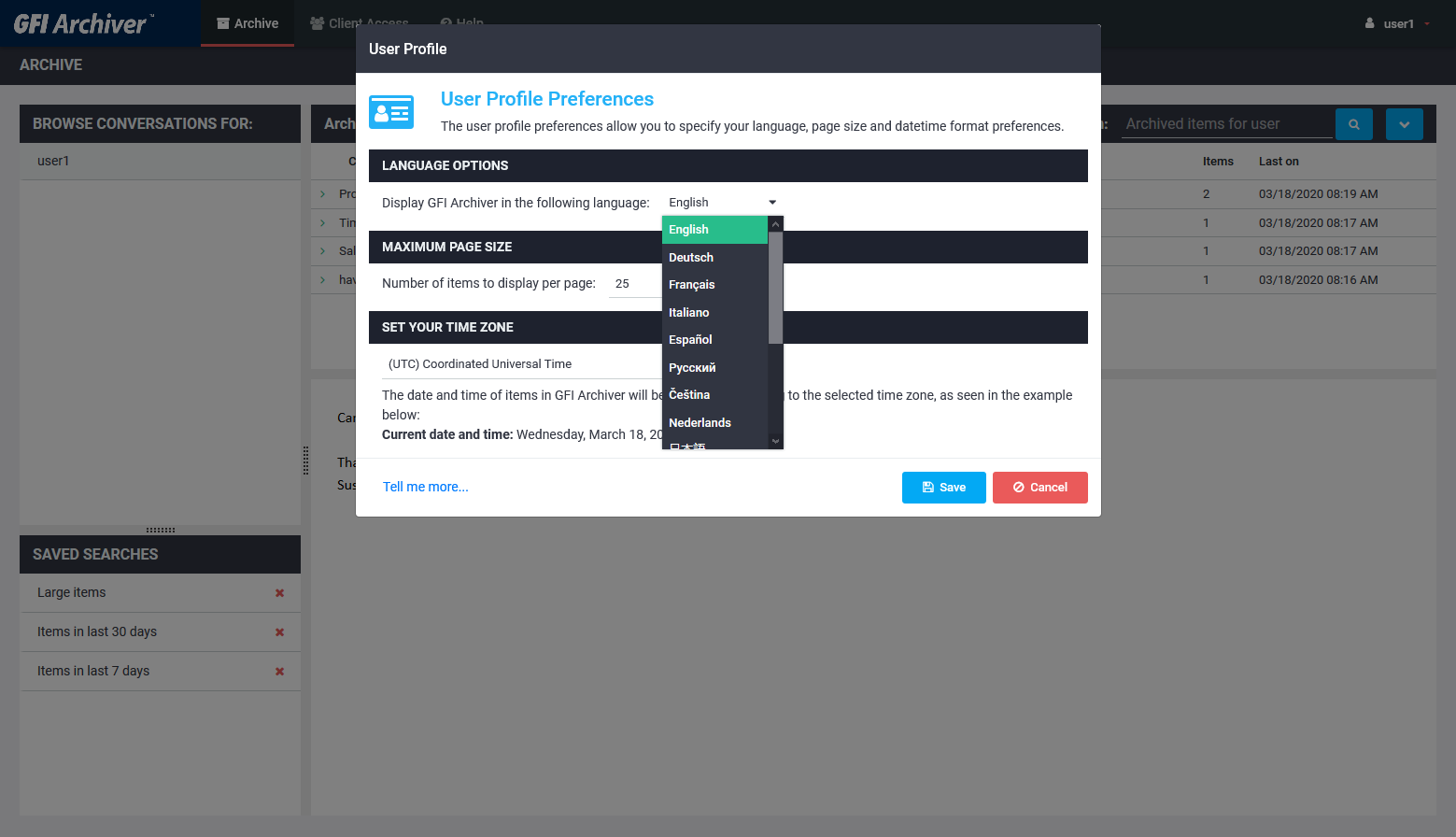
Multi language
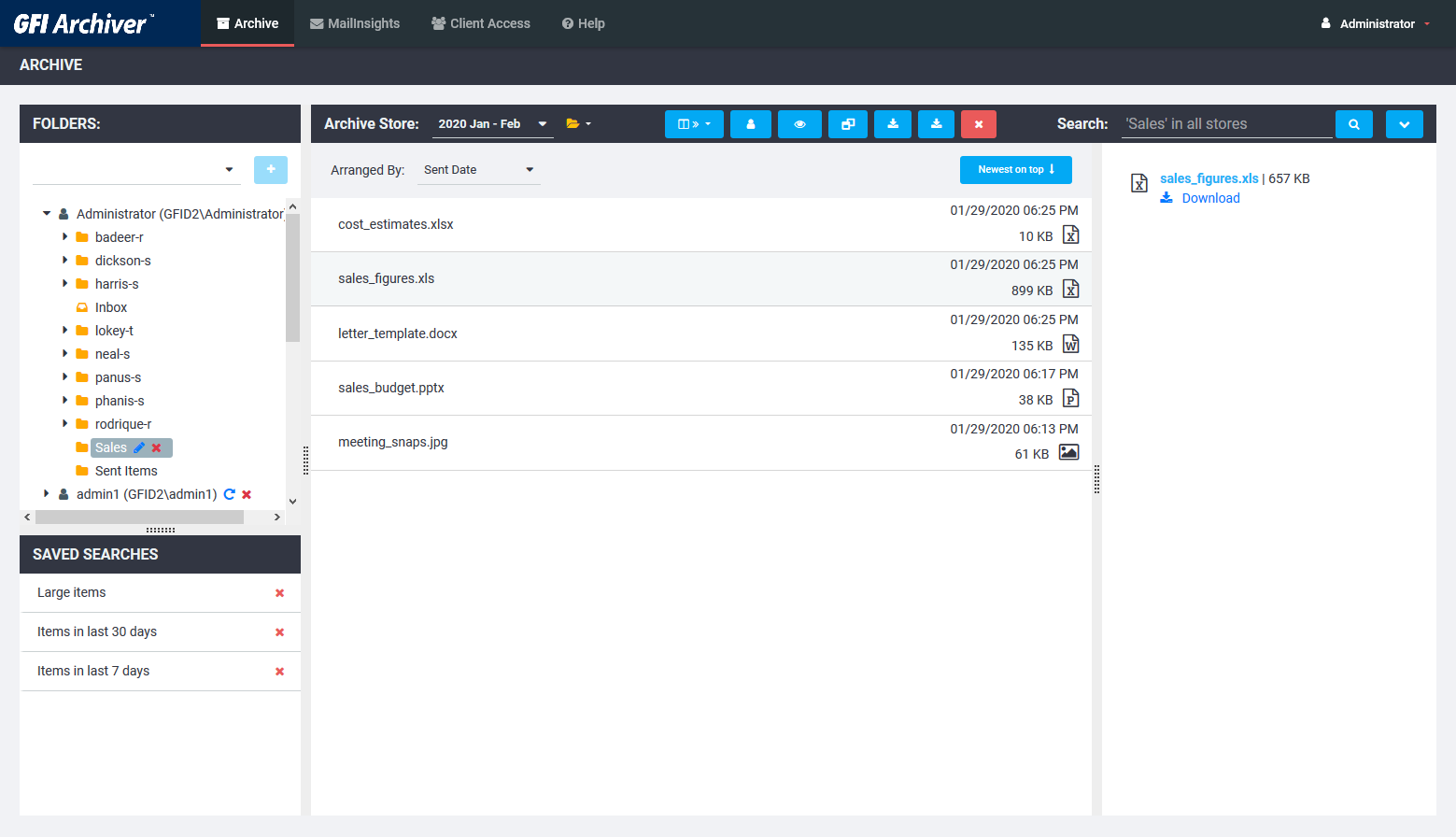
Archived files
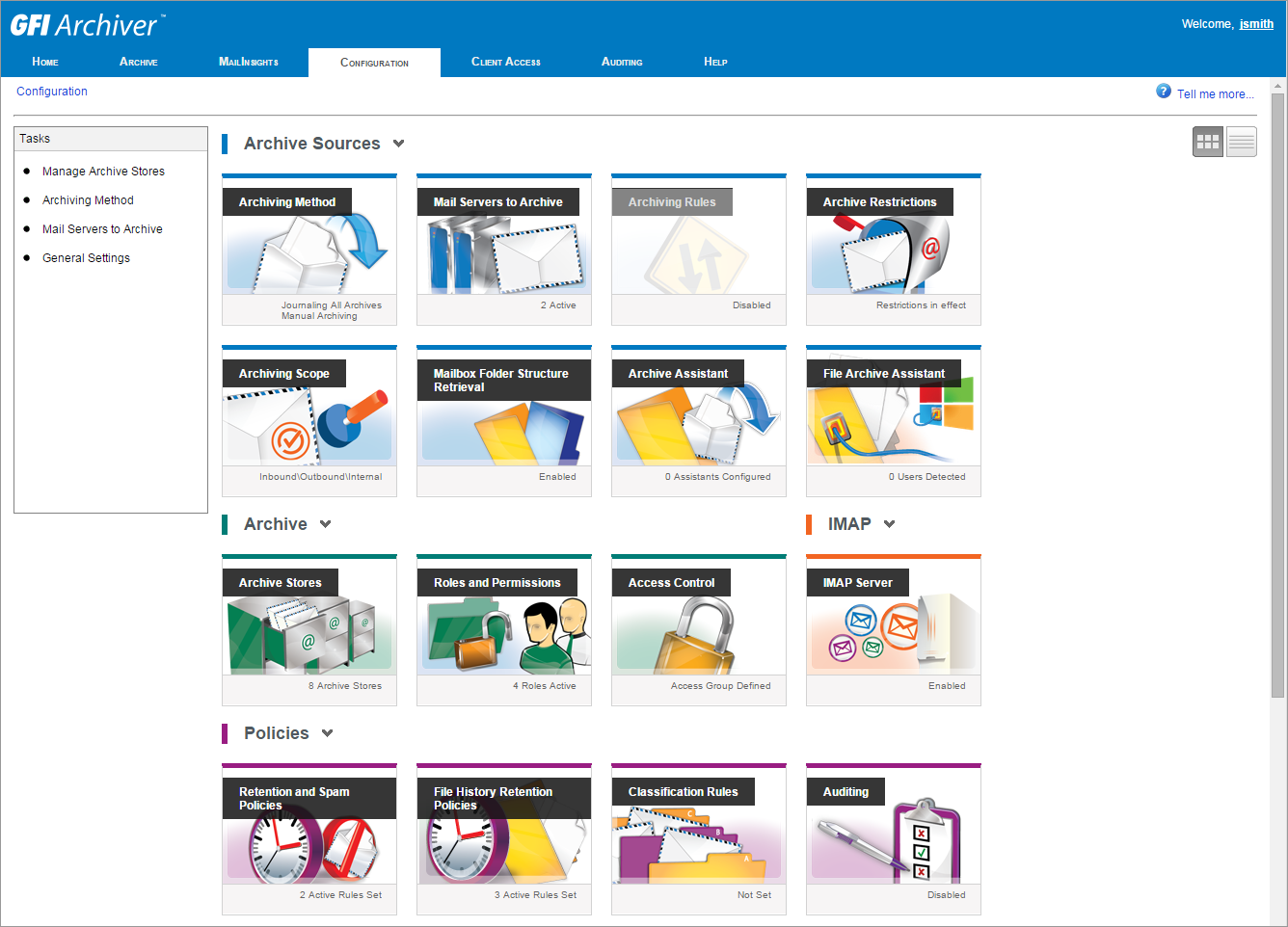
View current settings
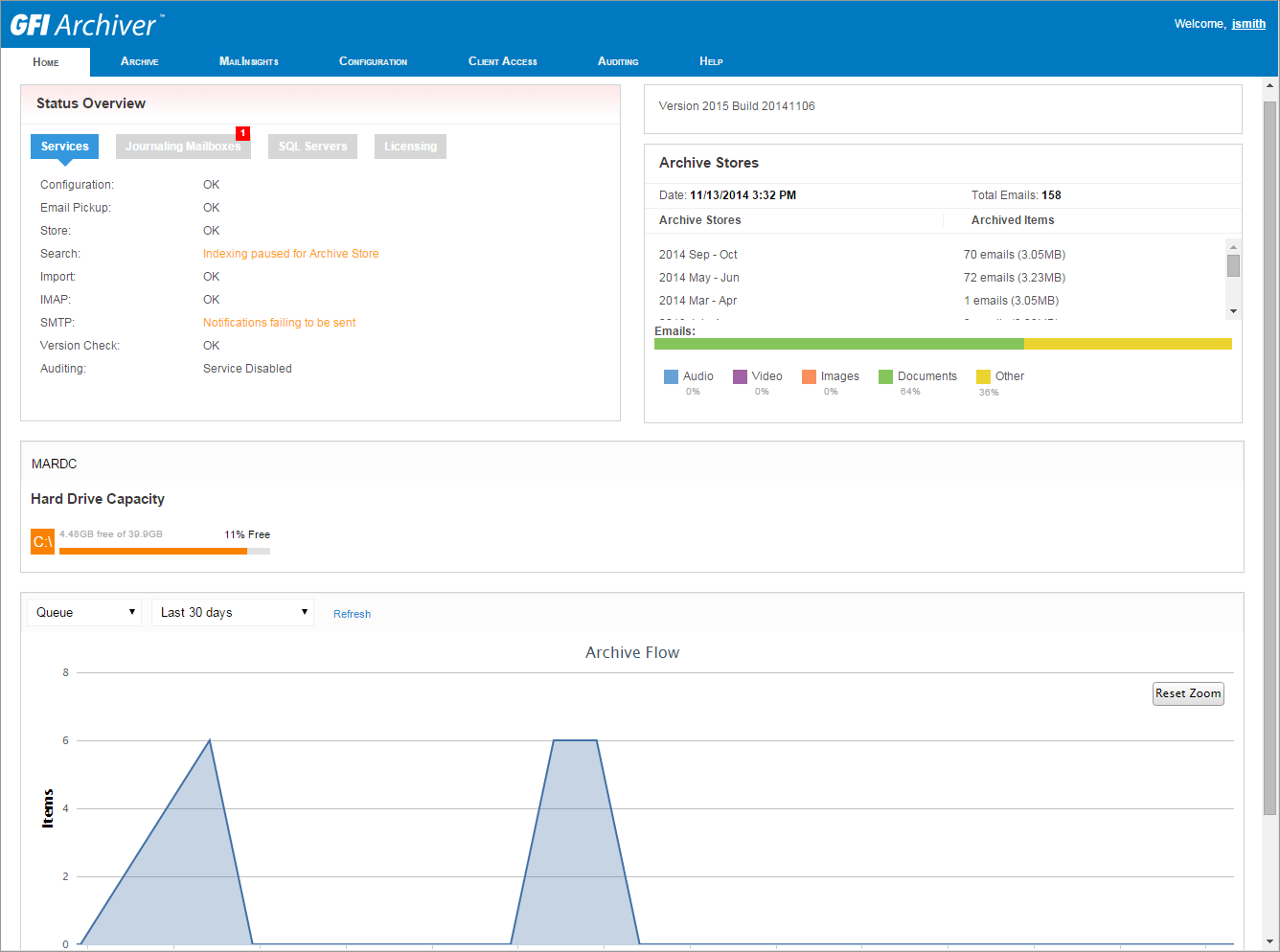
Monitor operations from the dashboard
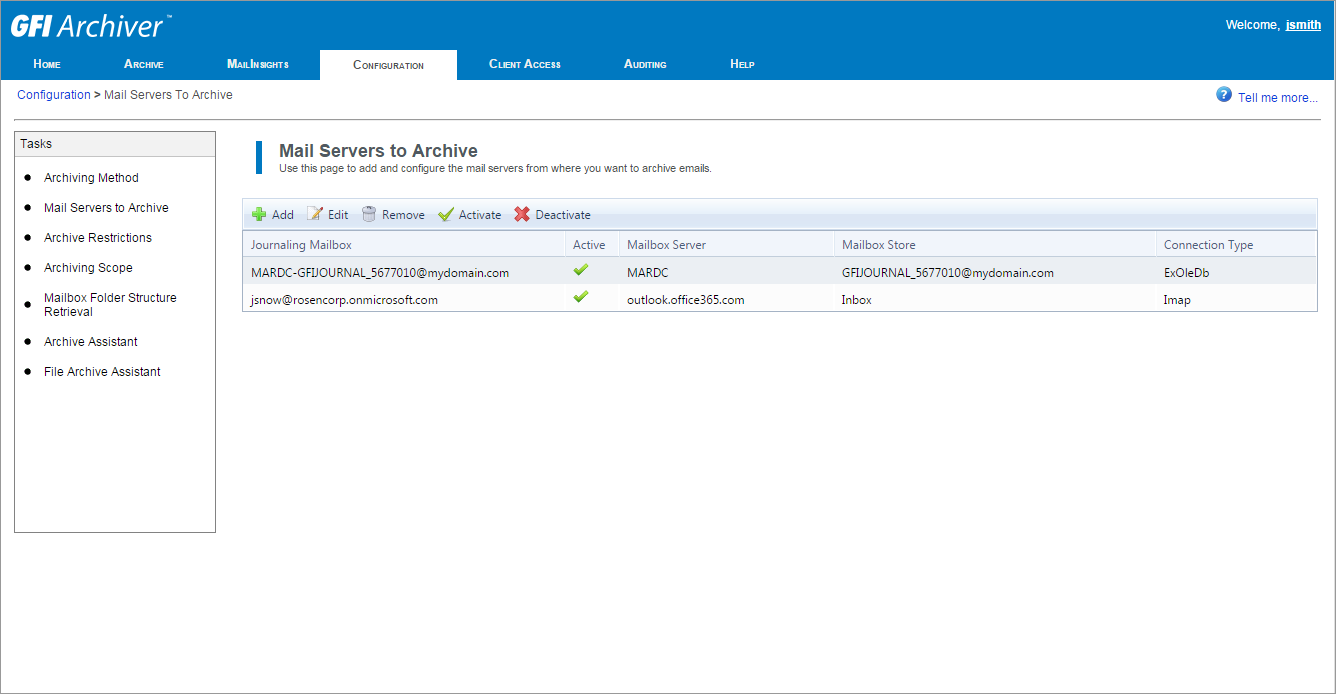
View configured servers from where emails are archived
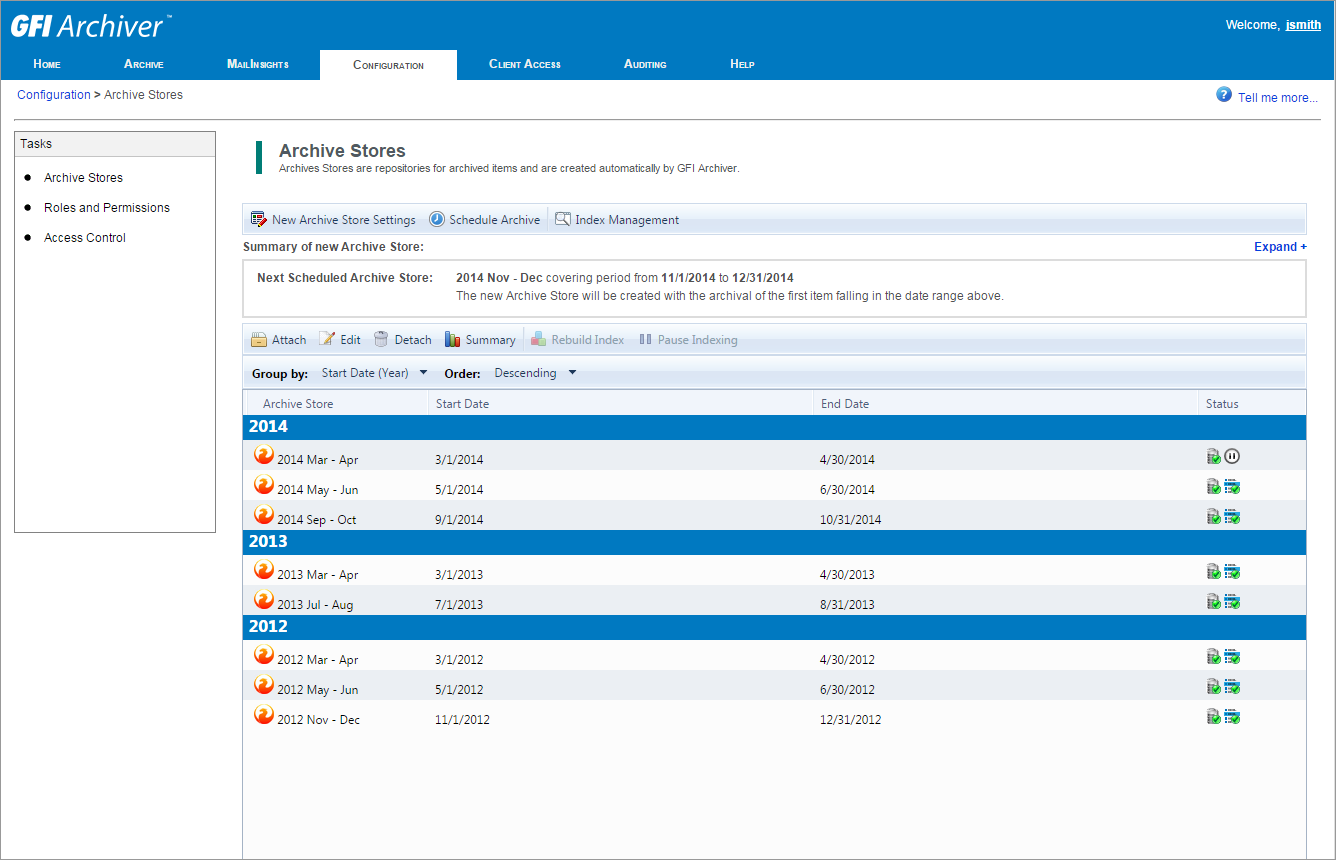
View available archive stores
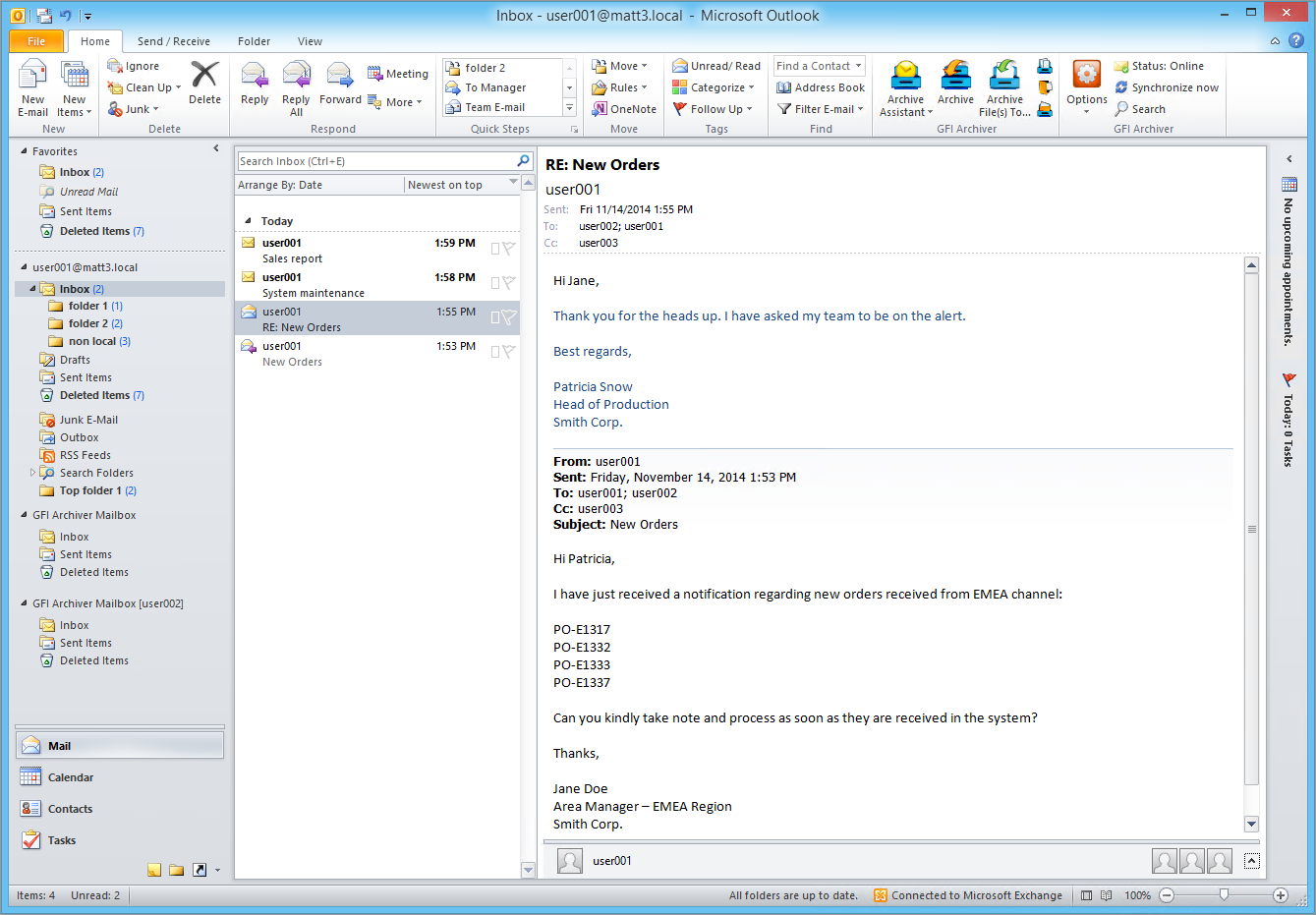
Outlook integration with stub free technology
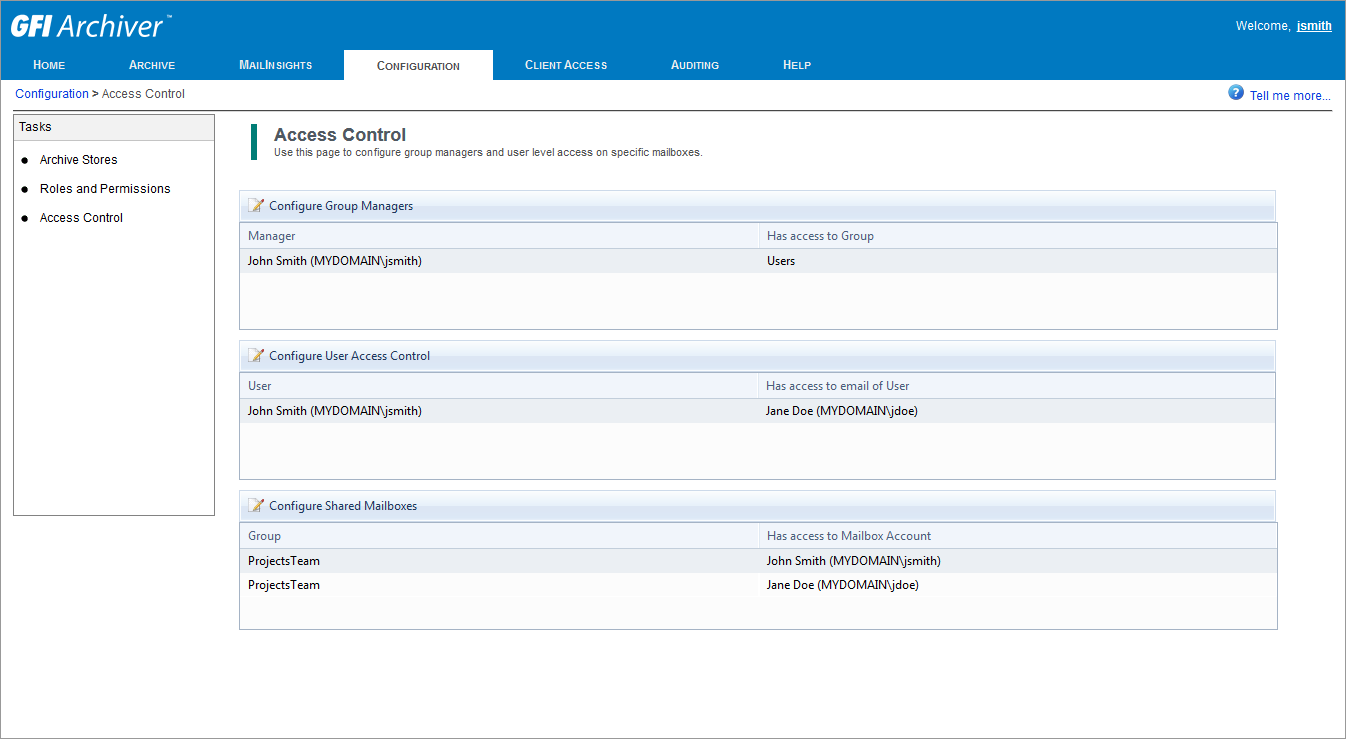
Access control configuration
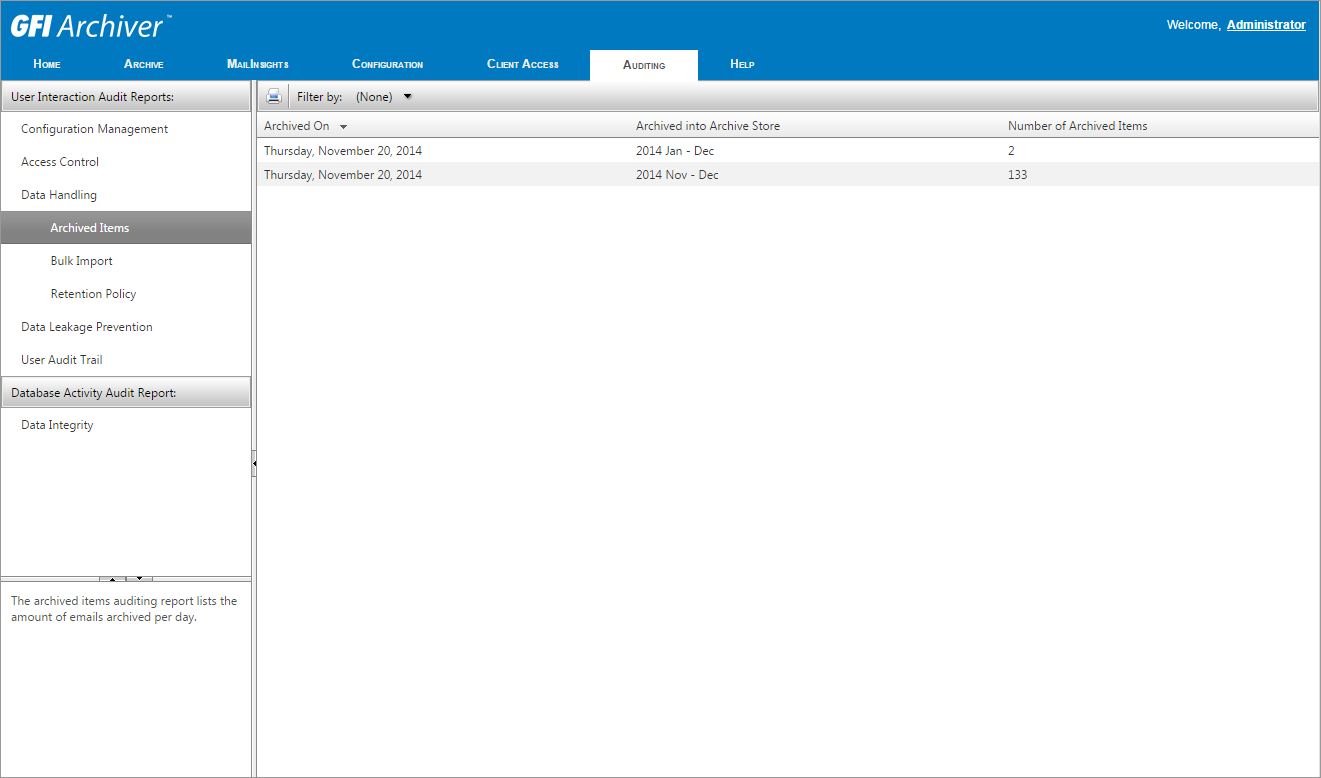
Access control configuration
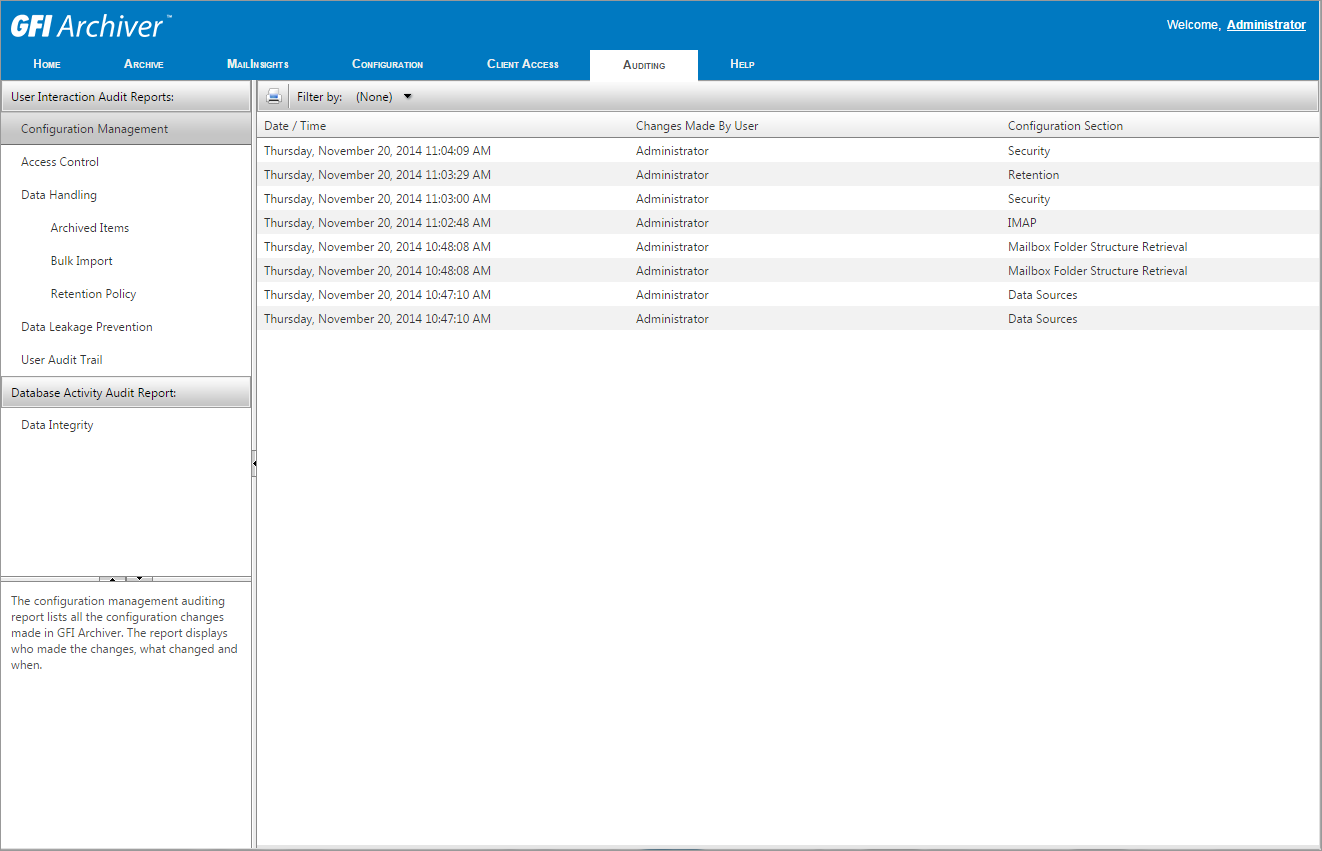
Audit configuration
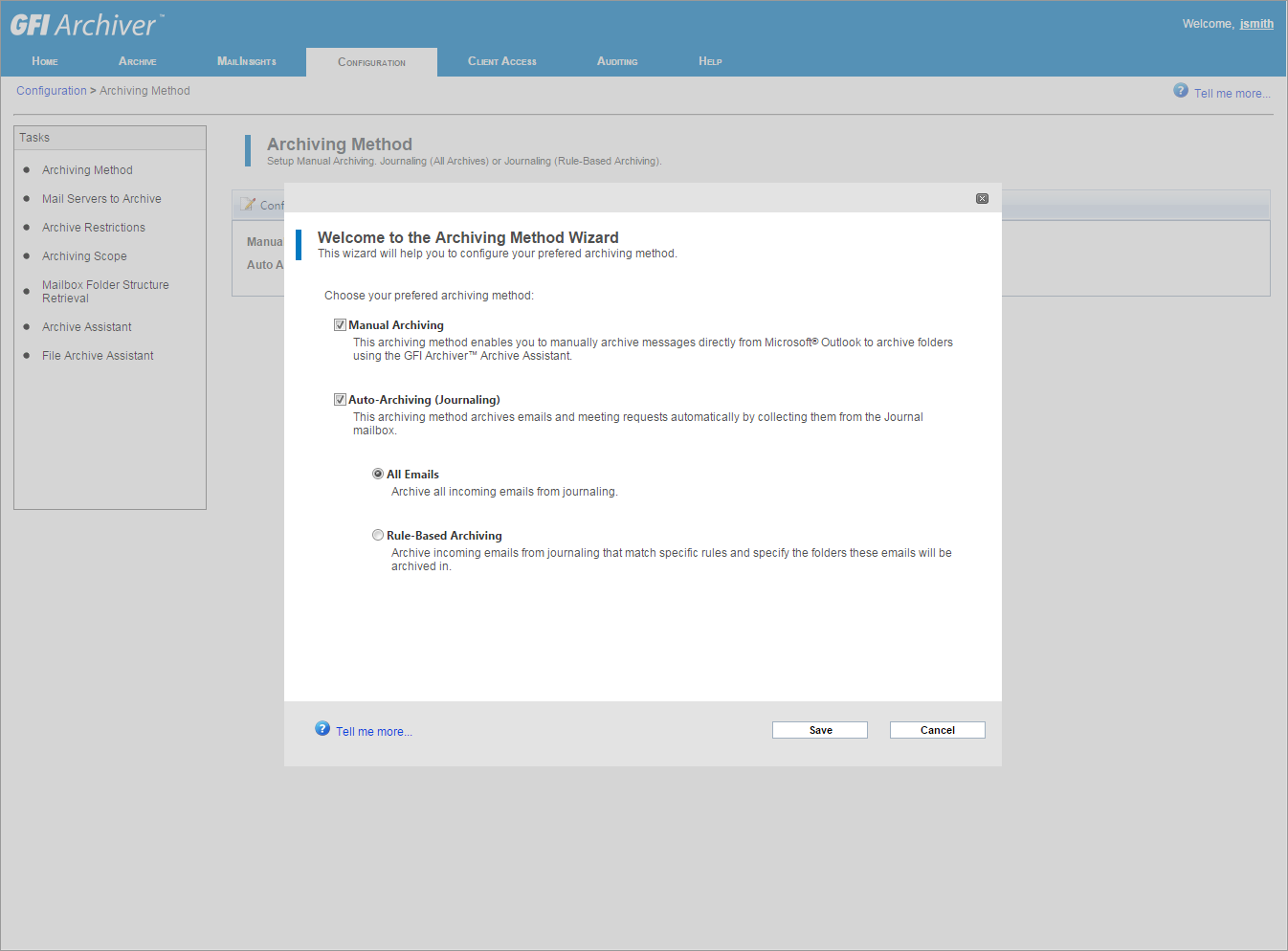
Configure archiving method
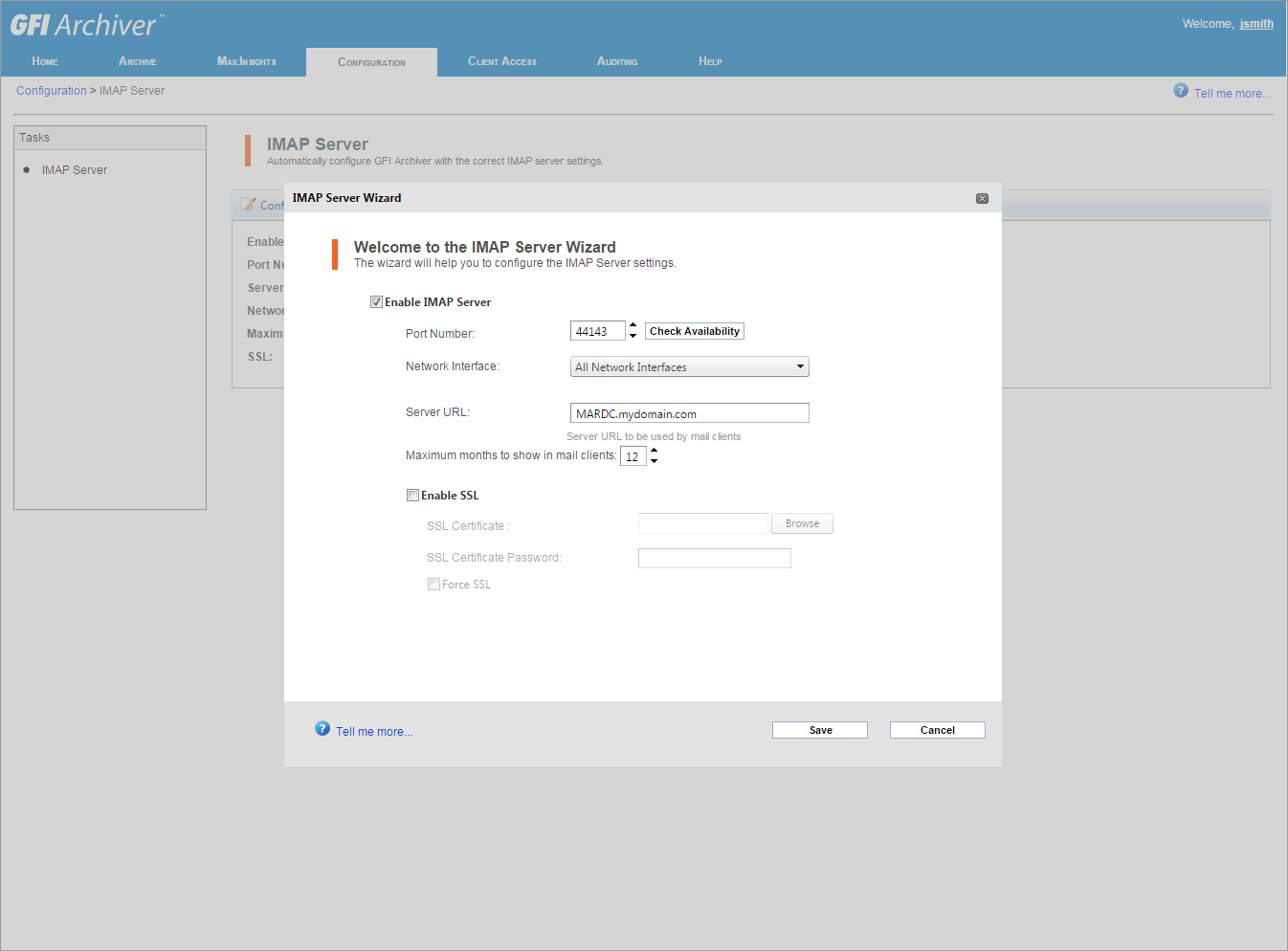
Configure IMAP for email client integration
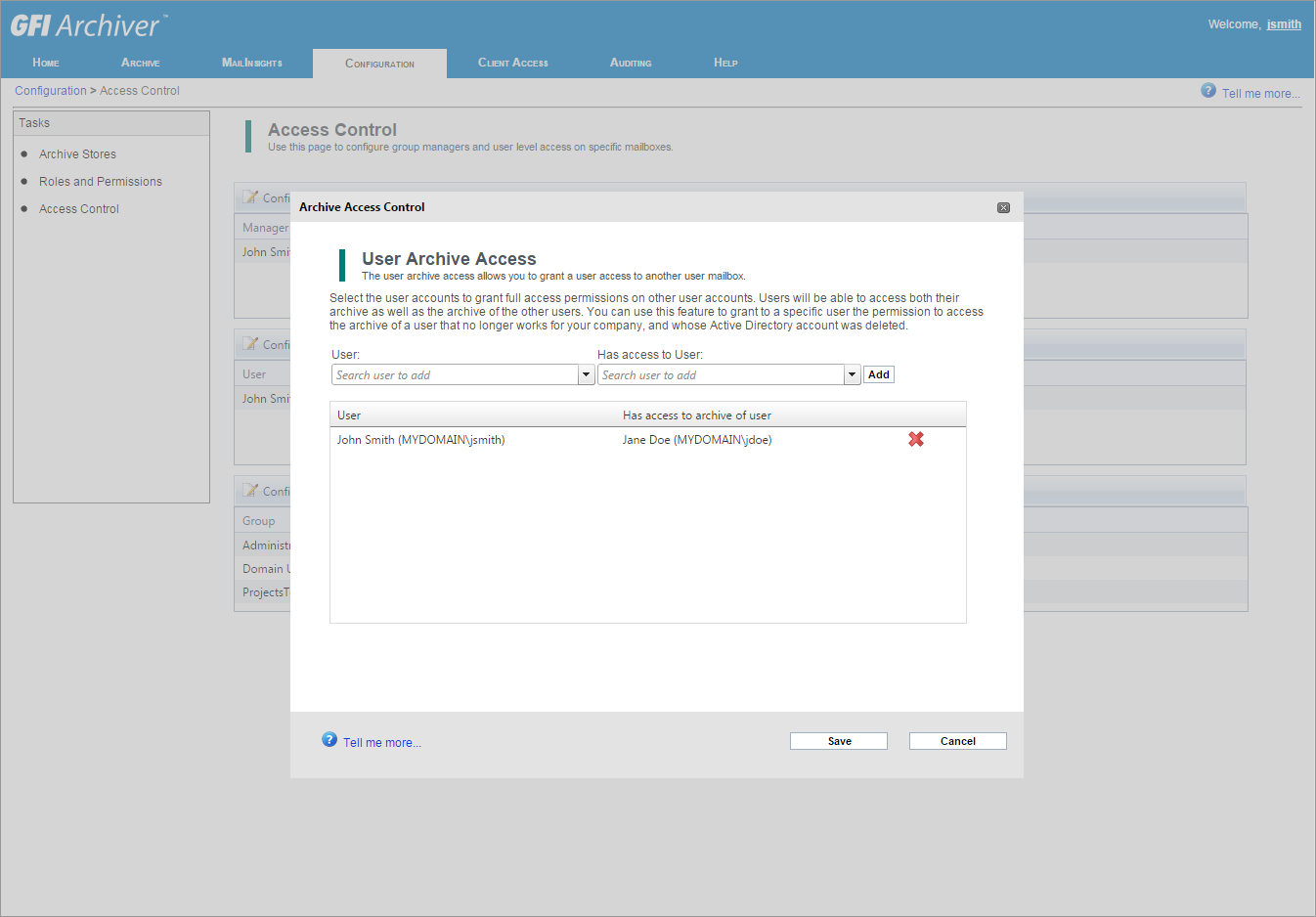
Give viewing rights
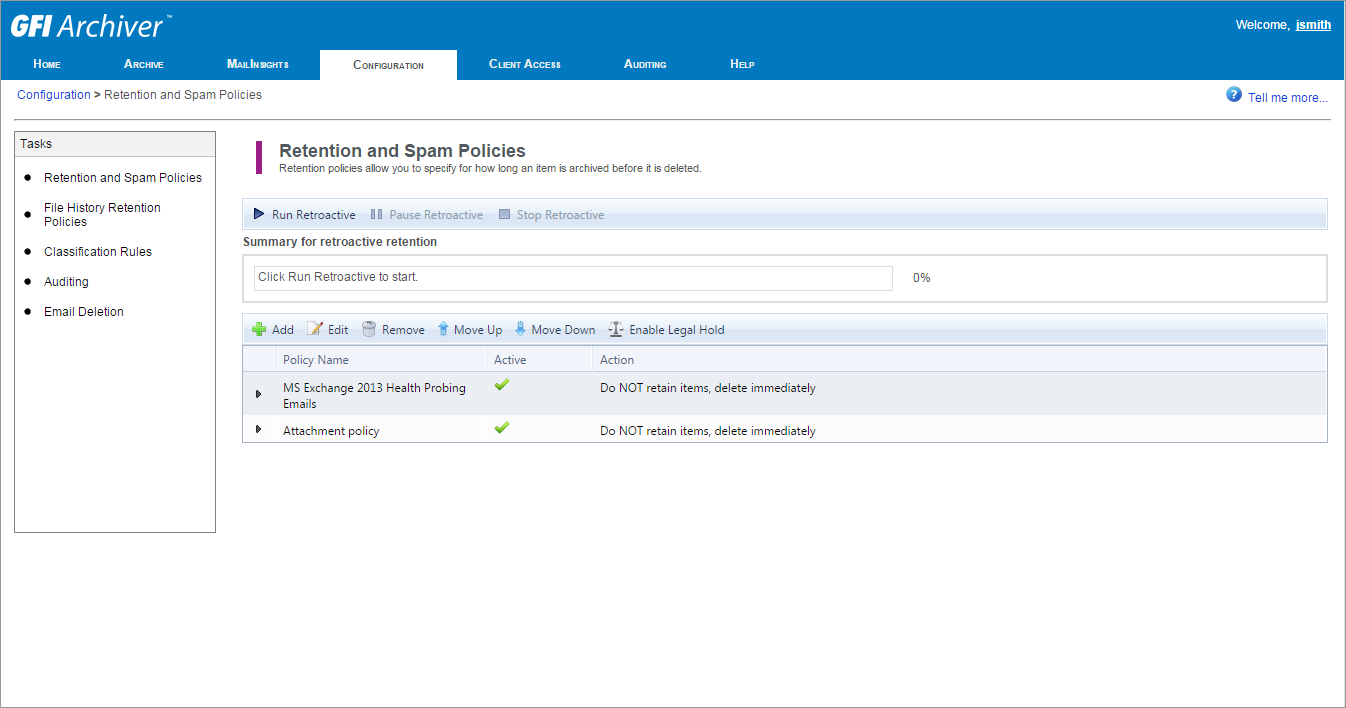
View configured retention and spam policies
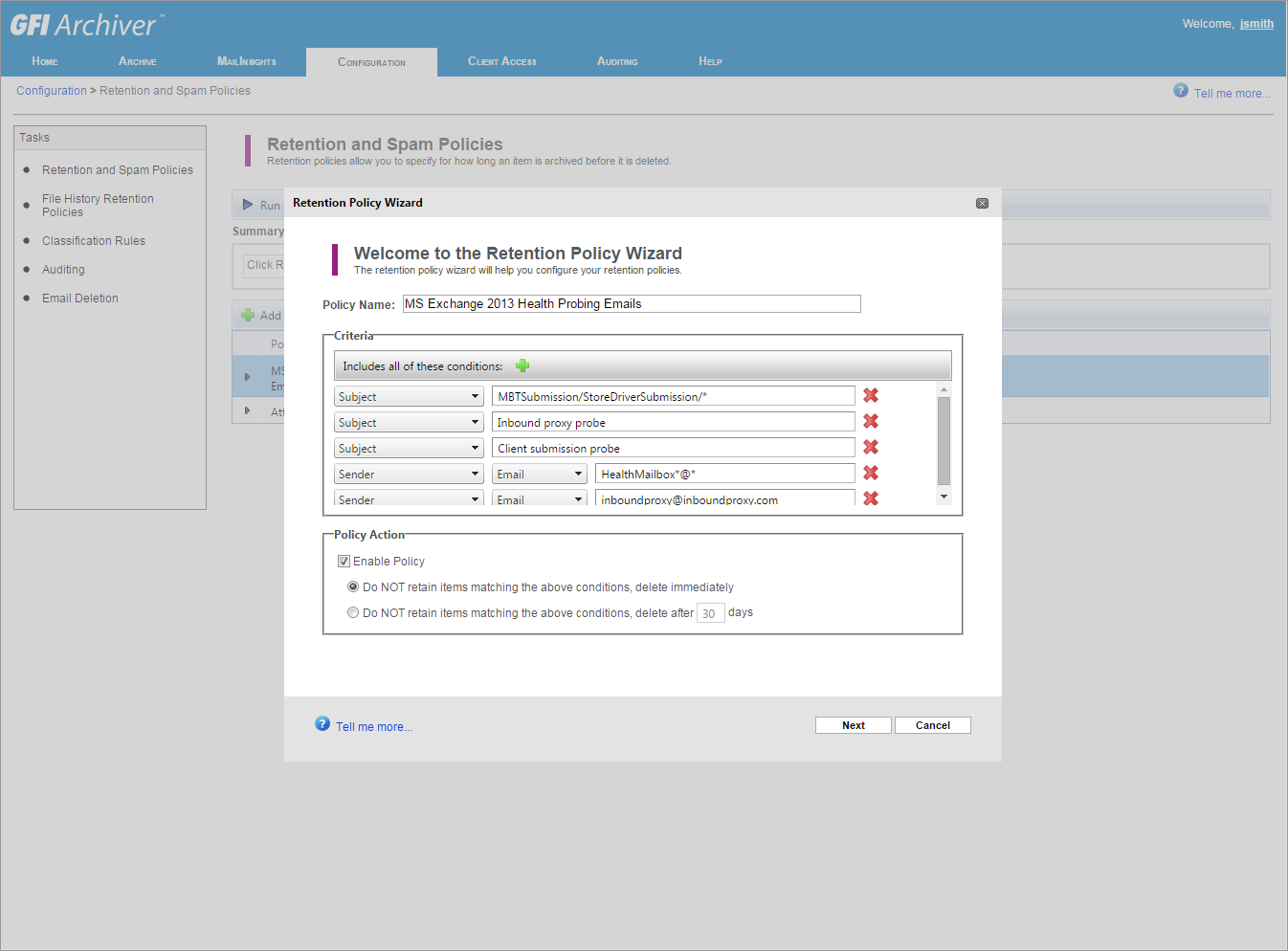
Update retention policies
MailInsights Screenshots
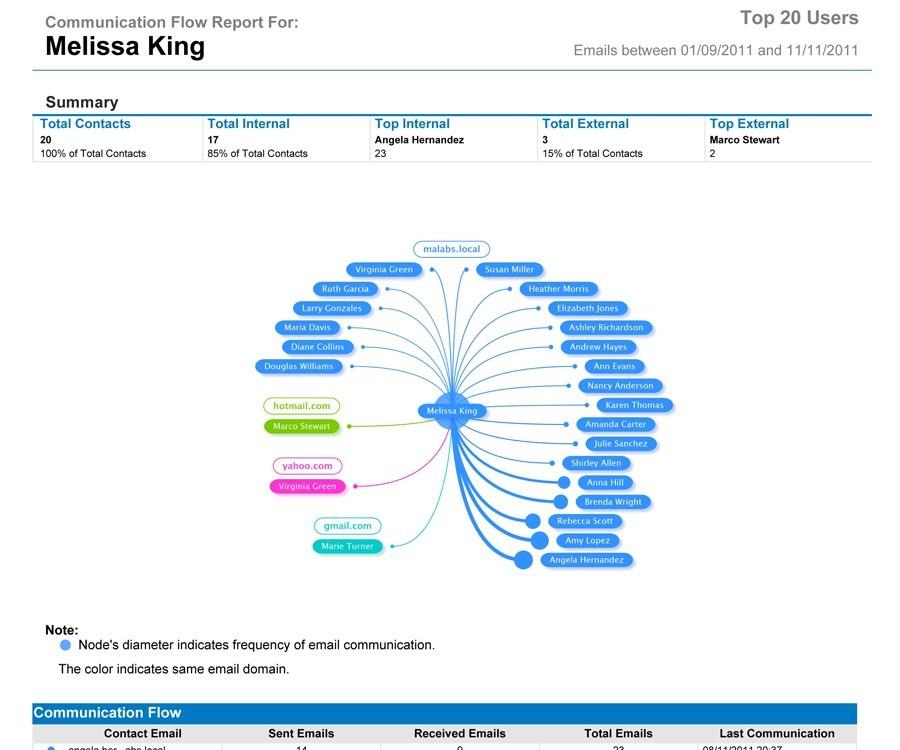
Communication flow report
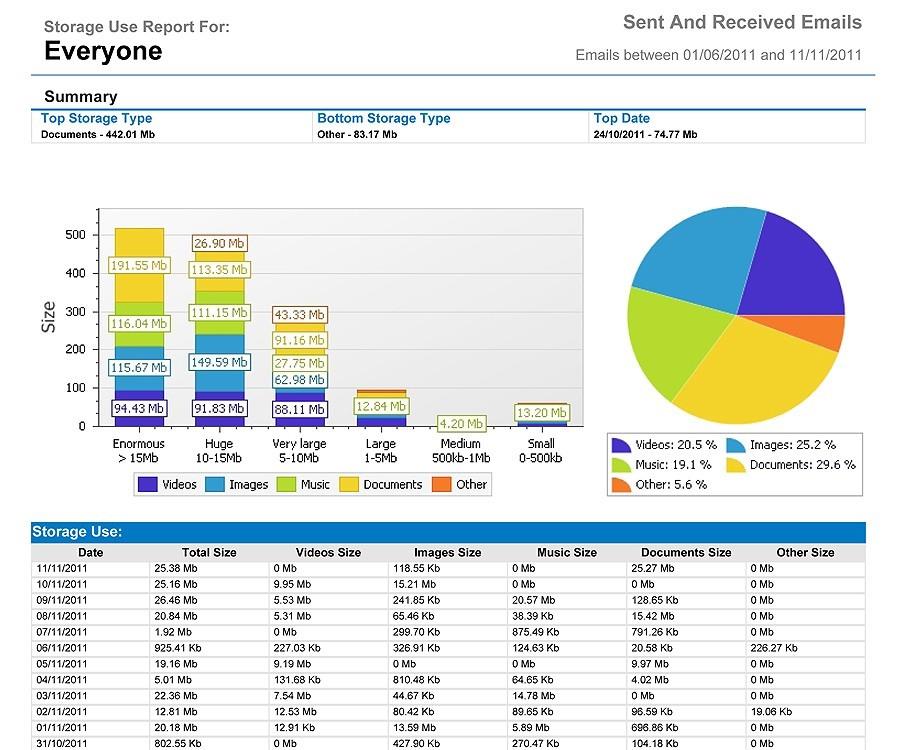
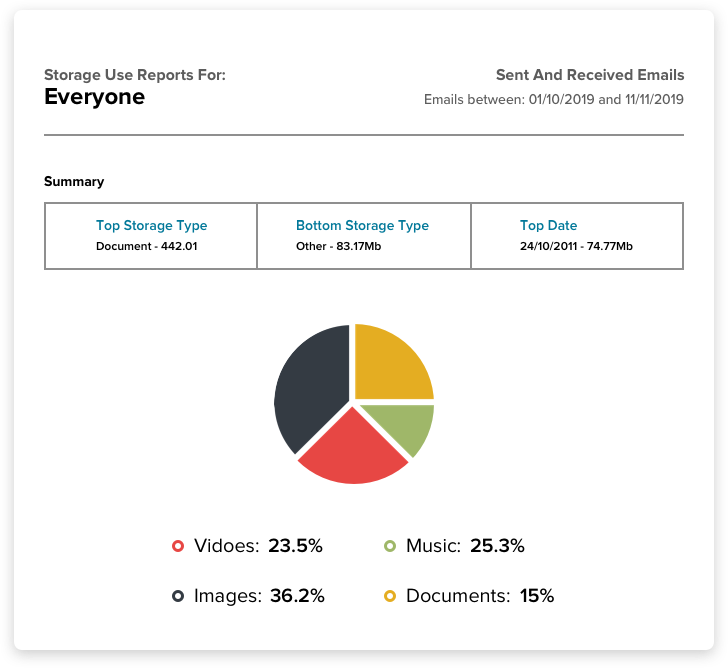
Storage use report
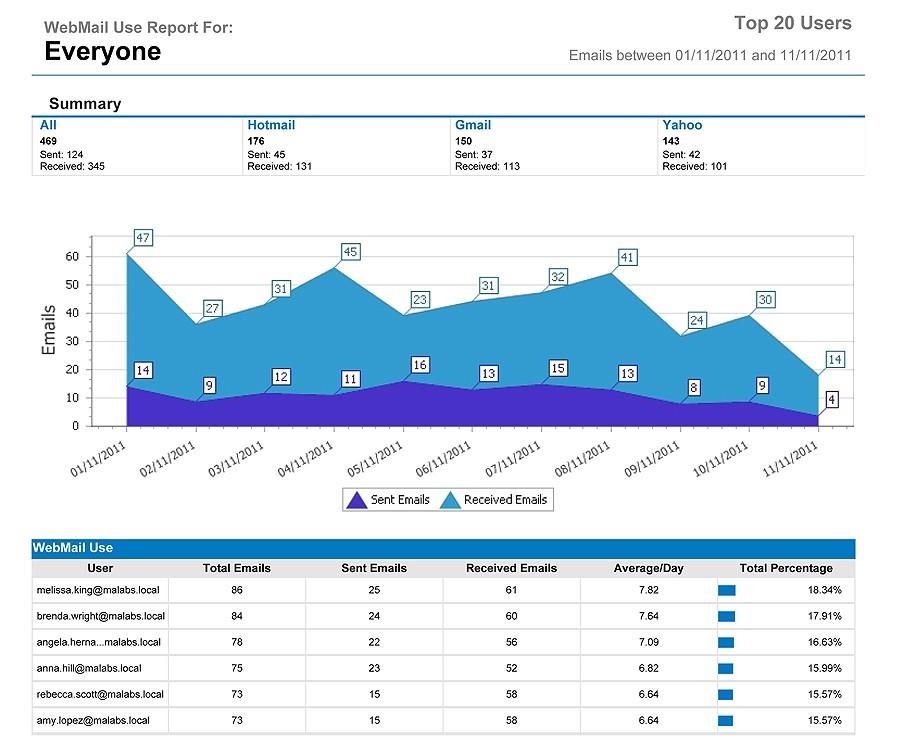
Webmail use report
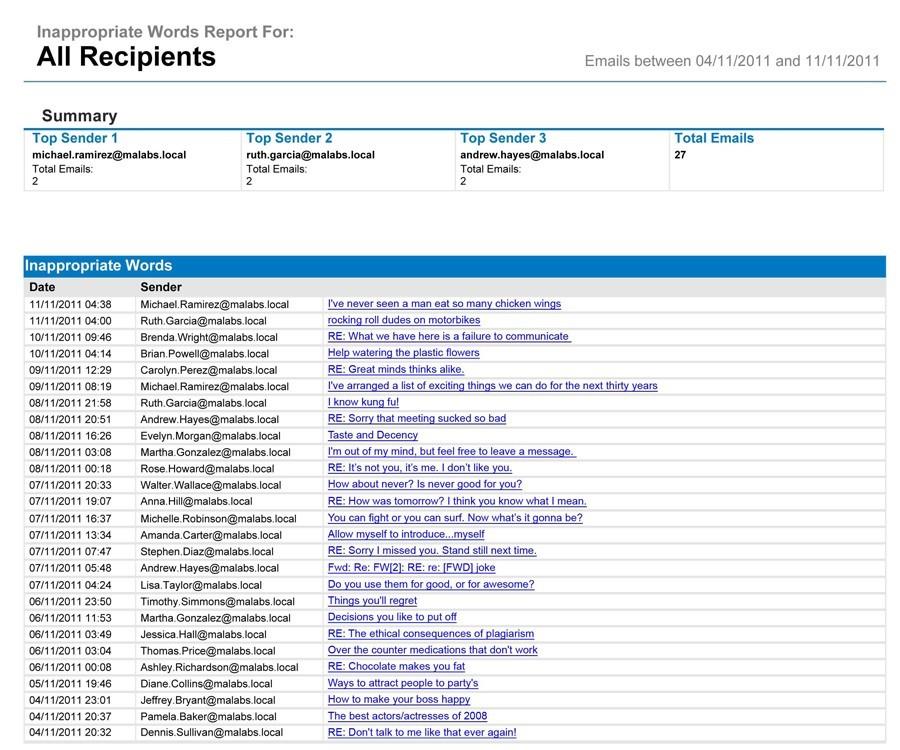
Inappropriate words report
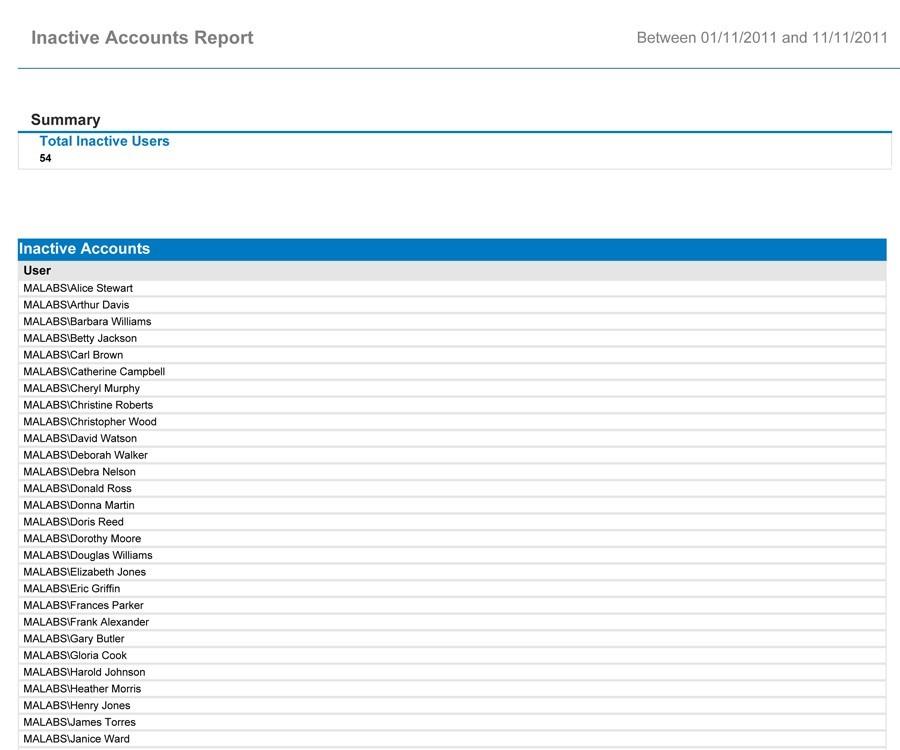
Inappropriate words report
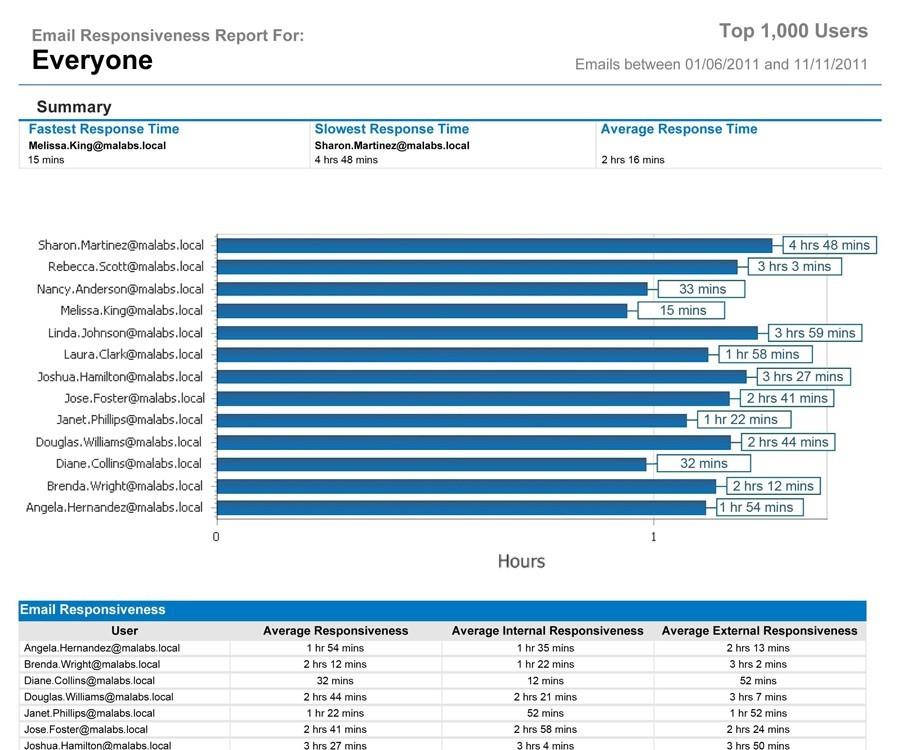
Inappropriate words report
System Requirements:
System requirements: Hardware
Processor:
- Minimum: Intel Pentium or compatible - 2GHz 32 bit processor.
- Recommended: x64 architecture-based server with Intel 64 architecture or AMD64 platform.
Memory:
- Minimum: 1GB RAM (dedicated to GFI Archiver)
- Recommended: 3GB RAM (dedicated to GFI Archiver)
Physical storage:
- Minimum: 400MB physical disk space (NTFS) for GFI Archiver installation. More space is required for the email databases.
- Recommended: Server with 4 physical drives, with the ability to increase storage space on demand when required.
System requirements: Software
Supported operating systems (64-Bit):
- Windows Server 2019
- Windows Server 2016
- Windows Server 2012 (including R2)
- Windows SBS 2011
NOTE: The server on which GFI Archiver is installed needs to be a domain controller (Active Directory) or connected to one.
Supported MailServers:
- Microsoft Exchange 2010, 2013, 2016, 2019 (incl. service packs)
- Other mail servers supporting IMAP (with journaling-like feature)
- Office 365
- Kerio Connect
- Google Apps for Business™
Supported databases:
- SQL Server 2005 or later. SQL Server 2012 Express is highly recommended for organizations. Not included with GFI Archiver installation and is required to be installed as a separate process.
- Firebird – for evaluating organizations with fewer than 25 email users. (This database is bundled and automatically configured by GFI Archiver.)
Other required components:
- Microsoft .NET Framework 4.7
- ASP.Net 4.7
- Internet Information Services (IIS) - World Wide Web services
- Microsoft Internet Explorer® 8 or later, Mozilla® Firefox®, Chrome™, or Safari®
- Domain Functional level: 2003 onwards
- Microsoft Exchange Server MAPI Client and Collaboration Data Objects 1.2.1 - When GFI Archiver is not installed on the Microsoft Exchange 2003 Server. Download from: http://go.gfi.com/?pageid=MAR_PreReqMAPICDO
GFI Archiver Recommended Specifications
These are the minimum requirements for GFI Archiver. The requirements for other services should be over and above the specifications below.
| SMALL (<50 mailboxes or 2,500 emails/day) version | ||||
|---|---|---|---|---|
| Deployment | Exchange 2003 | Exchange 2007 SP1/2010 | Database* | Hardware* |
| Installed on Exchange 2007/2010/2013 | ExOLEdb | Exchange Web Services (EWS) | SQL Express 2012 and NTFS: Database file on Disk 1, Binary files on Disk 1, Search Indexes on Disk 2 | Intel Xeon 2.33GHz-64-bit 4GB RAM - 3 Physical disks |
| Installed off Exchange | IMAP | Exchange Web Services (EWS) | SQL Express 2012 and NTFS: Database file on Disk 1, Binary files on Disk 1, Search Indexes on Disk 2 | Intel Xeon 2.33GHz-64-bit 4GB RAM - 3 Physical disks |
| MEDIUM (50 – 100 mailboxes or 6,000 emails/day) | ||||
| Deployment | Exchange 2003 | Exchange 2007 SP1/2010 | Database* | Hardware* |
| Installed on Exchange | ExOLEdb | Exchange Web Services (EWS) | SQL Express 2012 and NTFS: Database file on Disk 1, Binary files on Disk 1, Search Indexes on Disk 2 | Intel Xeon 2.33GHz-64-bit 4GB RAM - 3 Physical disks |
| Installed off Exchange | IMAP | Exchange Web Services (EWS) | SQL Express 2012 and NTFS: Database file on Disk 1, Binary files on Disk 2, Search Indexes on Disk 3 | Intel Xeon 3.2GHz-64-bit (2 processor cores) 4GB RAM - 3 Physical disks |
| LARGE (101 – 500 mailboxes or 8,000 emails/day) | ||||
| Deployment | Exchange 2003 | Exchange 2007 SP1/2010 | Database* | Hardware* |
| Installed on Exchange | ExOLEdb | Exchange Web Services (EWS) | SQL Express 2012 and NTFS; OR SQL Server Full Version: Database file on Disk 1, Binary files on Disk 2, Search Indexes on Disk 3 | Intel Xeon 3.2GHz-64-bit (2 processor cores) 4GB RAM - 3 Physical disks |
| Installed off Exchange | IMAP | Exchange Web Services (EWS) | SQL Express 2012 and NTFS; OR SQL Server Full Version: Database file on Disk 1, Binary files on Disk 2, Search Indexes on Disk 3 | Intel Xeon 3.2GHz-64-bit (2 processor cores) 4GB RAM - 3 Physical disks |
| VERY LARGE (500+ mailboxes or 8,000+ emails/day) | ||||
| Deployment | Exchange 2003 | Exchange 2007 SP1/2010 | Database* | Hardware* |
| Installed on Exchange | ExOLEdb | Exchange Web Services (EWS) | SQL and NTFS (Full Version): Database file on Disk 1, Binary files on Disk 2, Search Indexes on Disk 3 | Intel Xeon 3.2GHz-64-bit (2 processor cores) 8GB RAM - 3 Physical disks |
| Installed off Exchange | IMAP | Exchange Web Services (EWS) | SQL and NTFS (Full Version): Database file on Disk 1, Binary files on Disk 2, Search Indexes on Disk 3 | Intel Xeon 3.2GHz-64-bit (2 processor cores) 8GB RAM - 3 Physical disks |
*Suggested specifications are for GFI Archiver only; if the server hosts other services, such as Domain Controller, Exchange, and MS SQL, extra resources will need to be added.
Documentation:
Download the GFI Archiver Data Sheet (PDF).
Pricing Note:
- *Includes SMA through the term of the Main License. Where multiple SMA years were purchased on the Main Product; the SMA ends with the first year anniversary of the main product SMA.
- To order an upgrade, additional users or other add-ons not listed here to an existing product, please contact us.
*Price per mailbox. Quantity must be 25 or greater.
Get a Quote!
*Price per mailbox. Quantity must be 100 or greater.
Get a Quote!
*Price per mailbox. Quantity must be 500 or greater.
Get a Quote!
*Price per mailbox. Quantity must be 25 or greater.
Get a Quote!
*Price per mailbox. Quantity must be 100 or greater.
Get a Quote!
*Price per mailbox. Quantity must be 500 or greater.
Get a Quote!
*Price per mailbox. Quantity must be 25 or greater.
Get a Quote!
*Price per mailbox. Quantity must be 100 or greater.
Get a Quote!